
📌 This is a simulated use case designed to illustrate how features can be used. The actual interface and workflow may differ slightly depending on the version.
When Replies Are Delayed: Share One Clear Settlement Statement
In real-world split bills, the hardest part is often not calculation. It is alignment. Some people respond late, some leave early, and payment instructions get buried in chat screenshots.
This case shows a simple pattern with Paji Splitly: finalize entries, confirm "Settlement," then share one "Settlement Statement" link so everyone follows the same version.
Context: When Replies Are Delayed
In a recent meetup closeout, 2 members replied late; sharing the settlement statement first recovered 80% of pending payments within 24 hours.
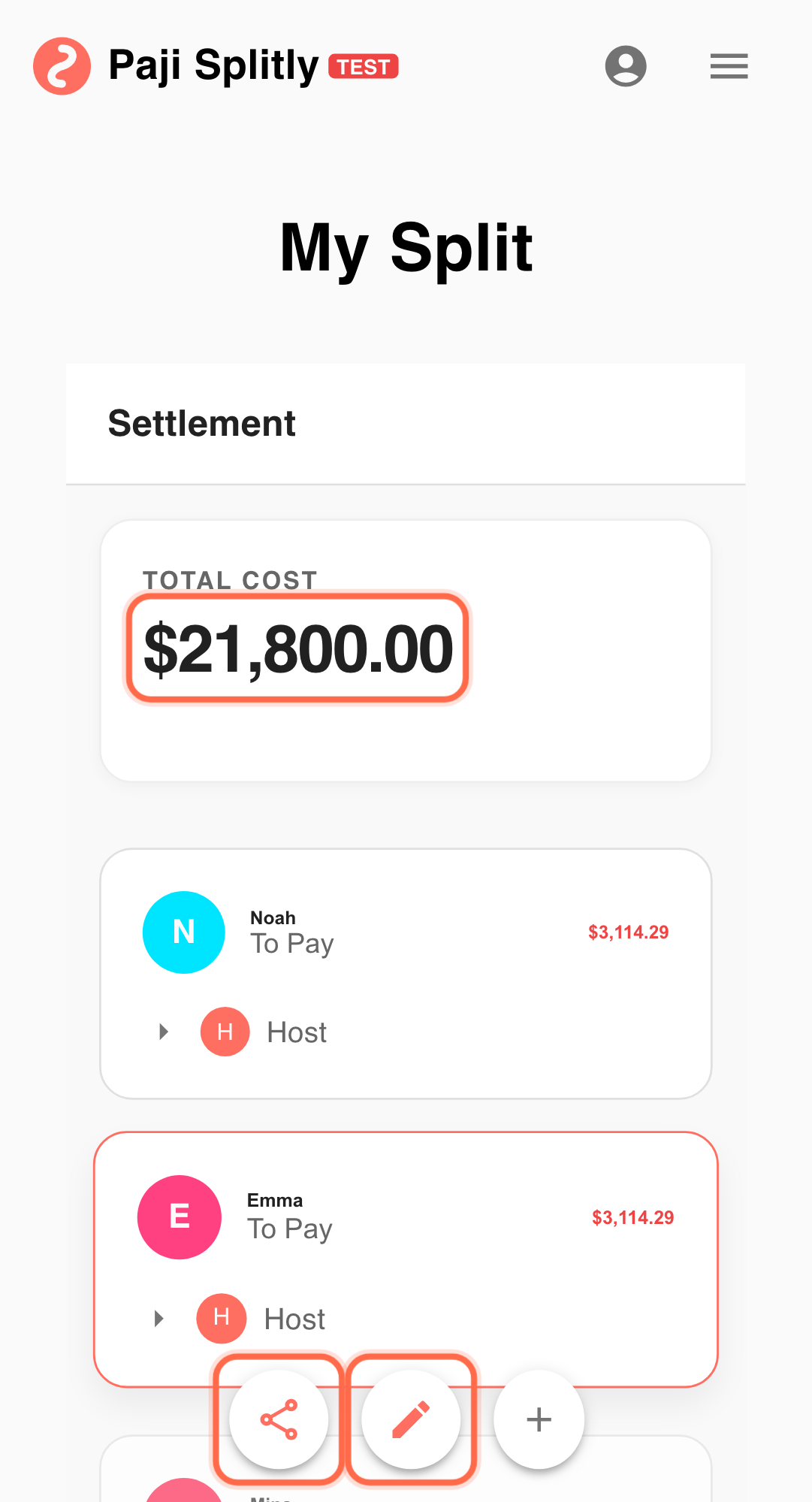
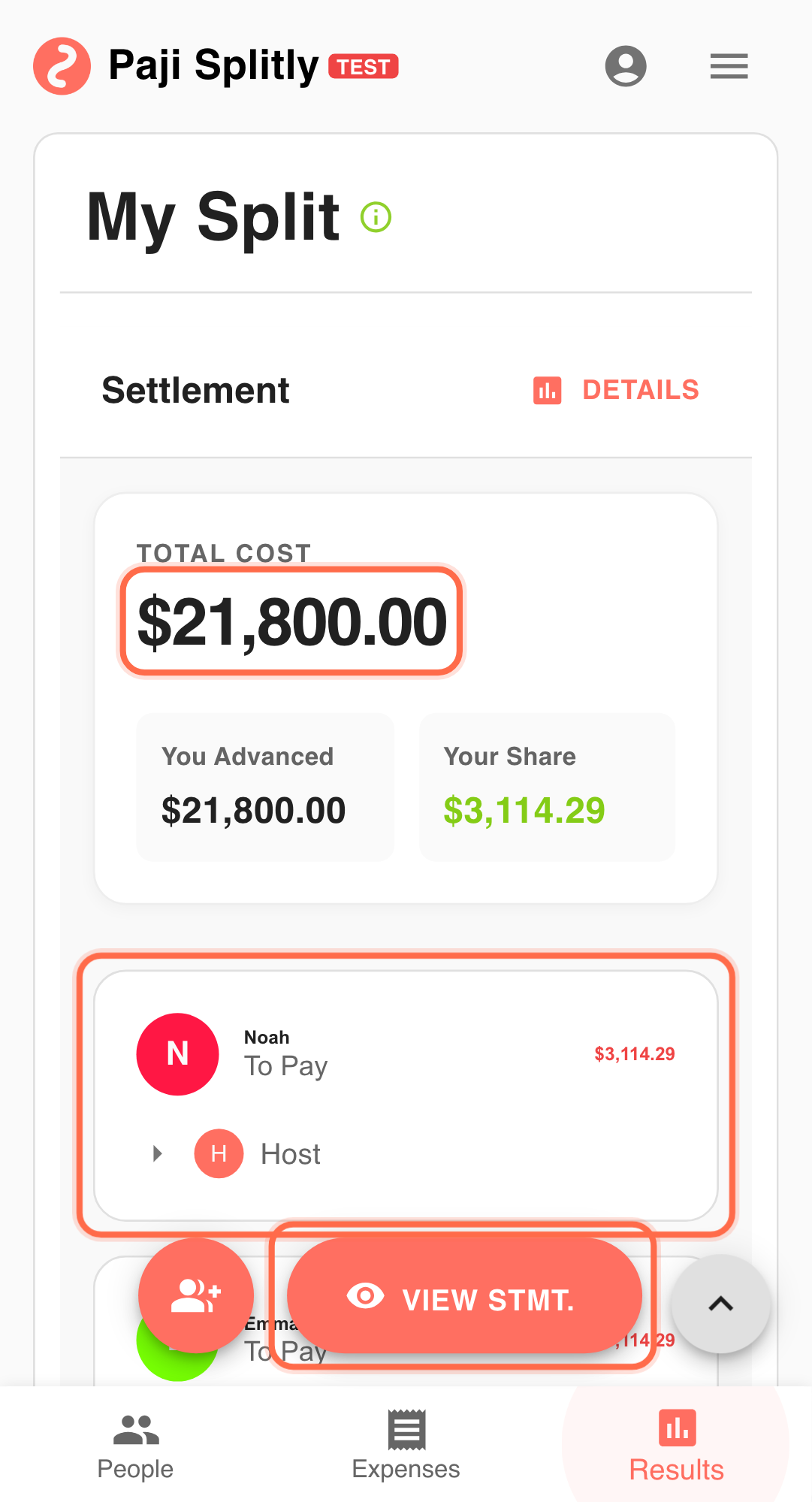
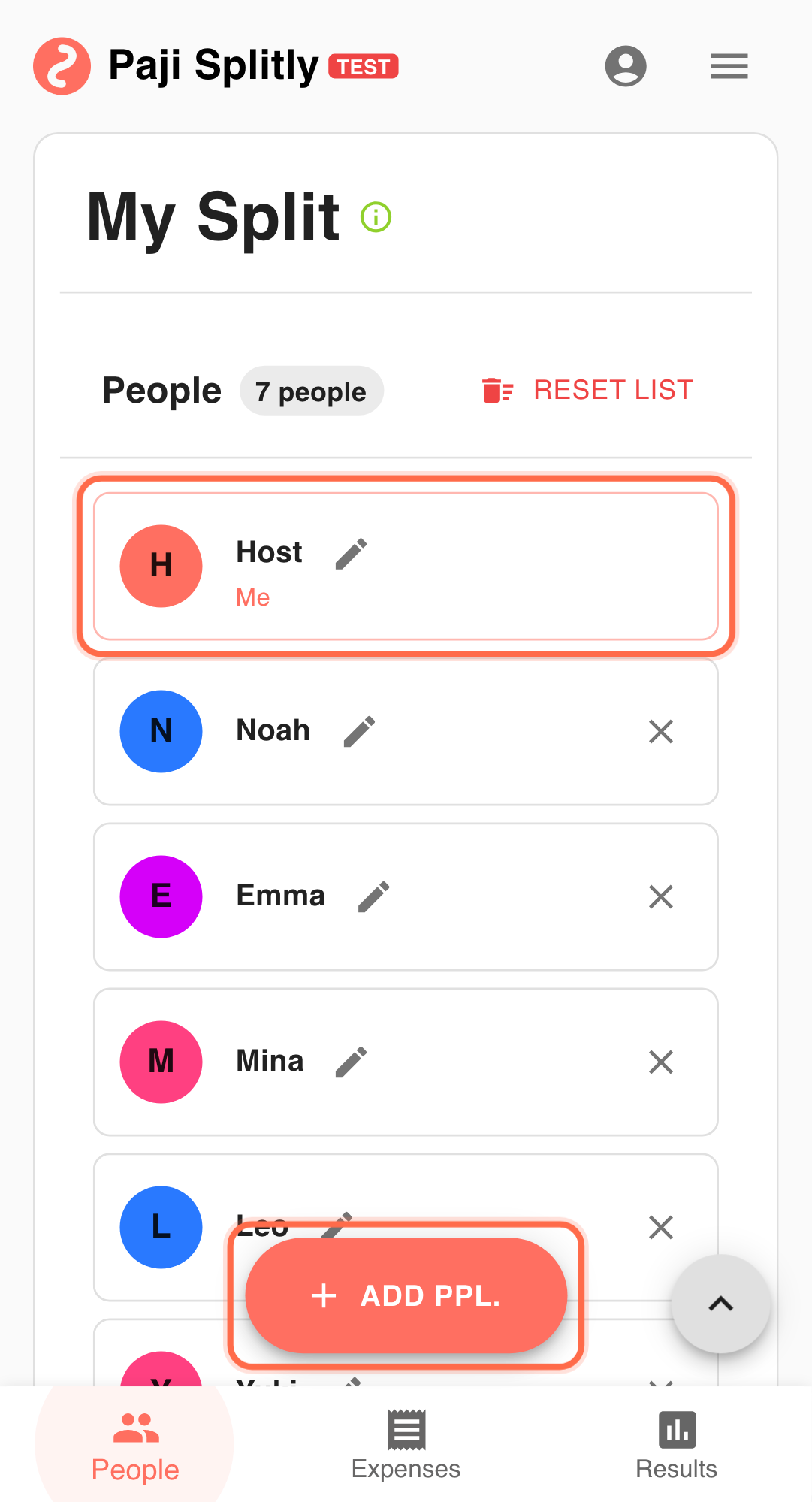
A 7-person trip is closing out expenses:
- Most costs are already recorded in one split bill.
- Only 4 people are still on site.
- 3 people are remote and replying late.
Practical Flow
-
Finish final entries first Add last meal and transport costs before sharing payment instructions. Align core inputs within 3 minutes first; if not possible, resolve inconsistencies before proceeding.
-
Validate in "Settlement" Confirm that balances and transfer paths are complete.
-
Open "Settlement Statement" Generate the shareable settlement page for the current finalized version.
-
Post the statement link in your chat thread Late responders can read one clear source instead of checking multiple images.
-
Execute transfers from that same statement Everyone pays from one version, reducing mismatch and rework.
Why This Works
- One source of truth for payment direction.
- Better clarity for people not physically present.
- Less follow-up after transfers are made.
Practical Tactics for When Replies Are Delayed
- Tip 1: Announce "this version is final" before sharing.
- Tip 2: If new expenses appear, re-check "Settlement" and then resend the updated statement.
- Tip 3: Add a payment deadline in chat to speed up completion.
Final Validation for When Replies Are Delayed
- Verify the settlement statement link loads the latest version with all final entries included, not an older snapshot missing last-minute additions.
- Confirm every late responder's expenses are already in the bill before generating the statement — adding entries after sharing forces a second round of links.
- Check that the "who pays whom" transfer paths reflect actual payment methods the group uses (e.g., if someone only accepts bank transfer, not cash).
Communication Pattern for When Replies Are Delayed
- Post the settlement statement link with a short message like "this is the final version — please settle by [date]" so late responders know no further changes are coming.
- Avoid re-explaining individual line items in chat; point people to the statement for details and only answer direct questions.
- If someone disputes an amount after the statement is shared, resolve it in the bill first, then reshare an updated link rather than negotiating over screenshots.
Takeaway from When Replies Are Delayed
When response timing is uneven, version control matters more than extra discussion. Sharing a single "Settlement Statement" keeps execution focused and reduces avoidable payment confusion.
Common Risks in When Replies Are Delayed
- Risk 1: A late responder adds a new expense after the settlement statement was already shared, making the circulated link outdated. Mitigation: announce a hard cut-off time for new entries before generating the statement.
- Risk 2: Multiple people send partial payments based on memory instead of the statement, creating mismatched transfer amounts. Mitigation: ask everyone to pay the exact amount shown in the statement and confirm completion in the group chat.