
📌 This is a simulated use case designed to illustrate how features can be used. The actual interface and workflow may differ slightly depending on the version.
Post-Event Reimbursement: Use Export Bill for Clear Payment Proof
Many teams can calculate balances correctly, but still lose time when requesting reimbursement. The issue is usually not math, but communication quality.
This case shows a practical Paji Splitly workflow: finalize expense records, confirm settlement, use "Export Bill" for a clean shareable summary, and verify change history before sending.
Context: Post-Event Reimbursement
For this event reimbursement cycle, 2 large expenses totaled $22,000; one exported bill was enough to pass finance's first review without resubmission.
Tip: Align the final settlement first, then run Export Bill (Premium) so reimbursement requests stay consistent.
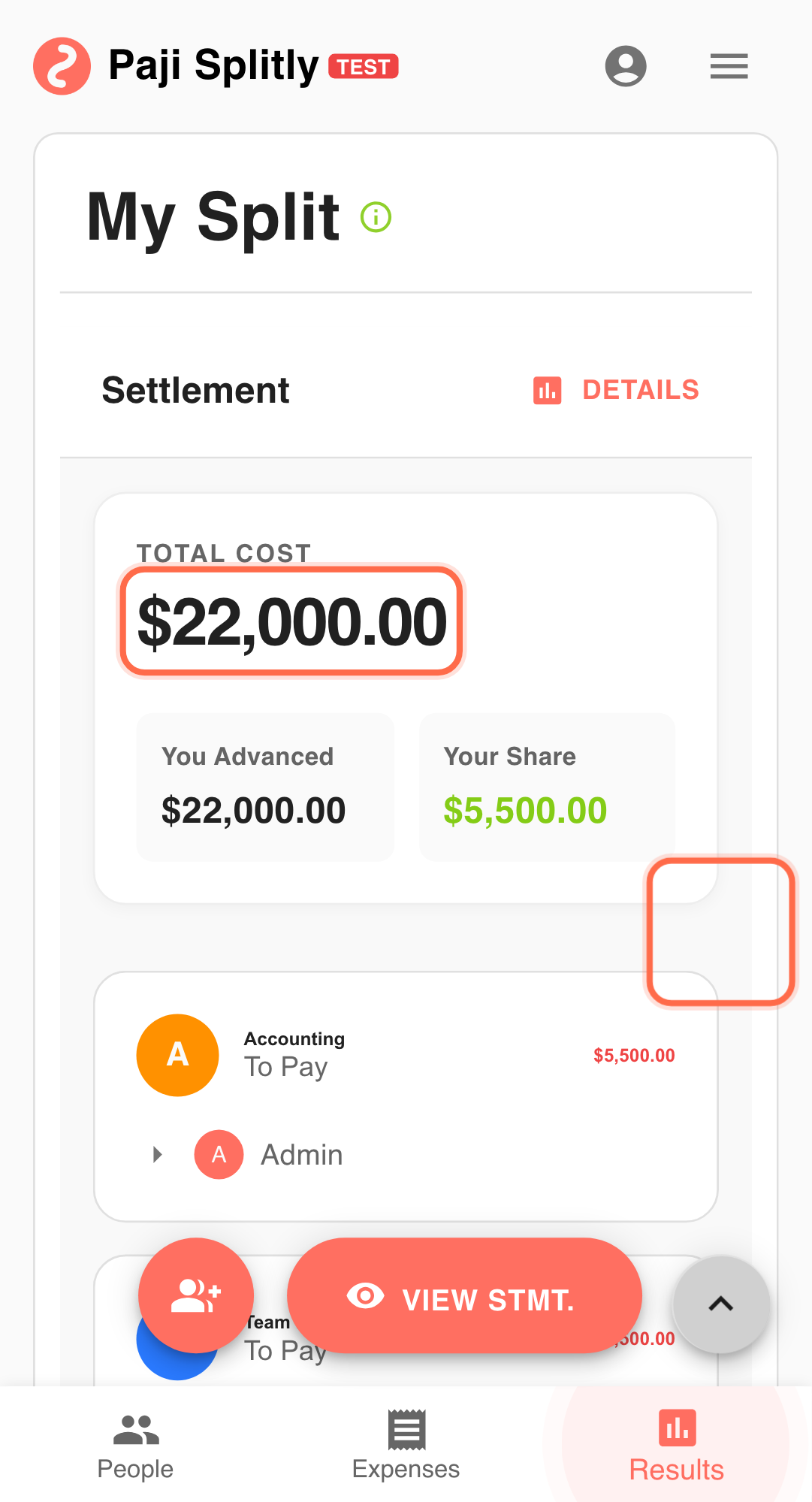
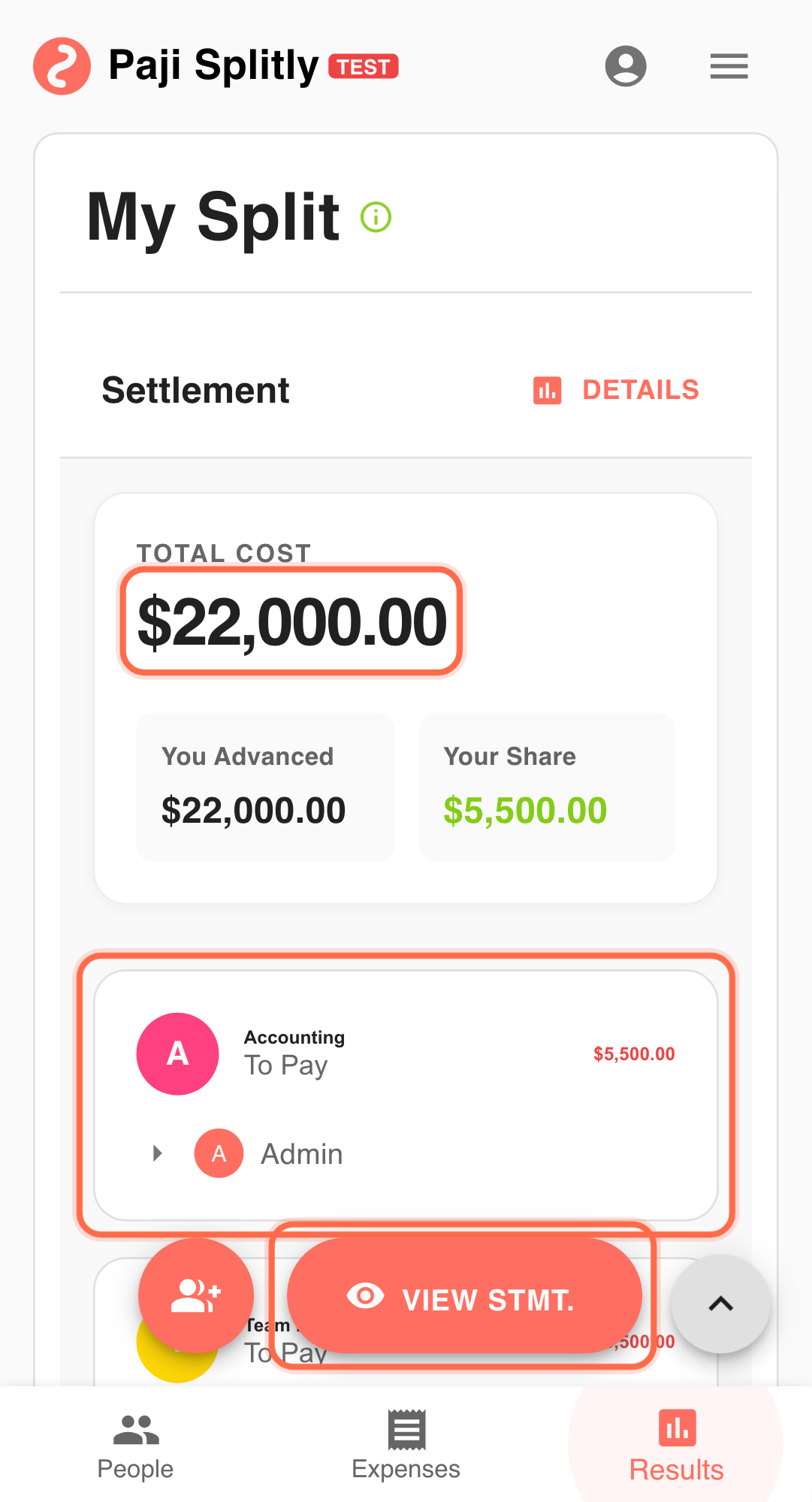
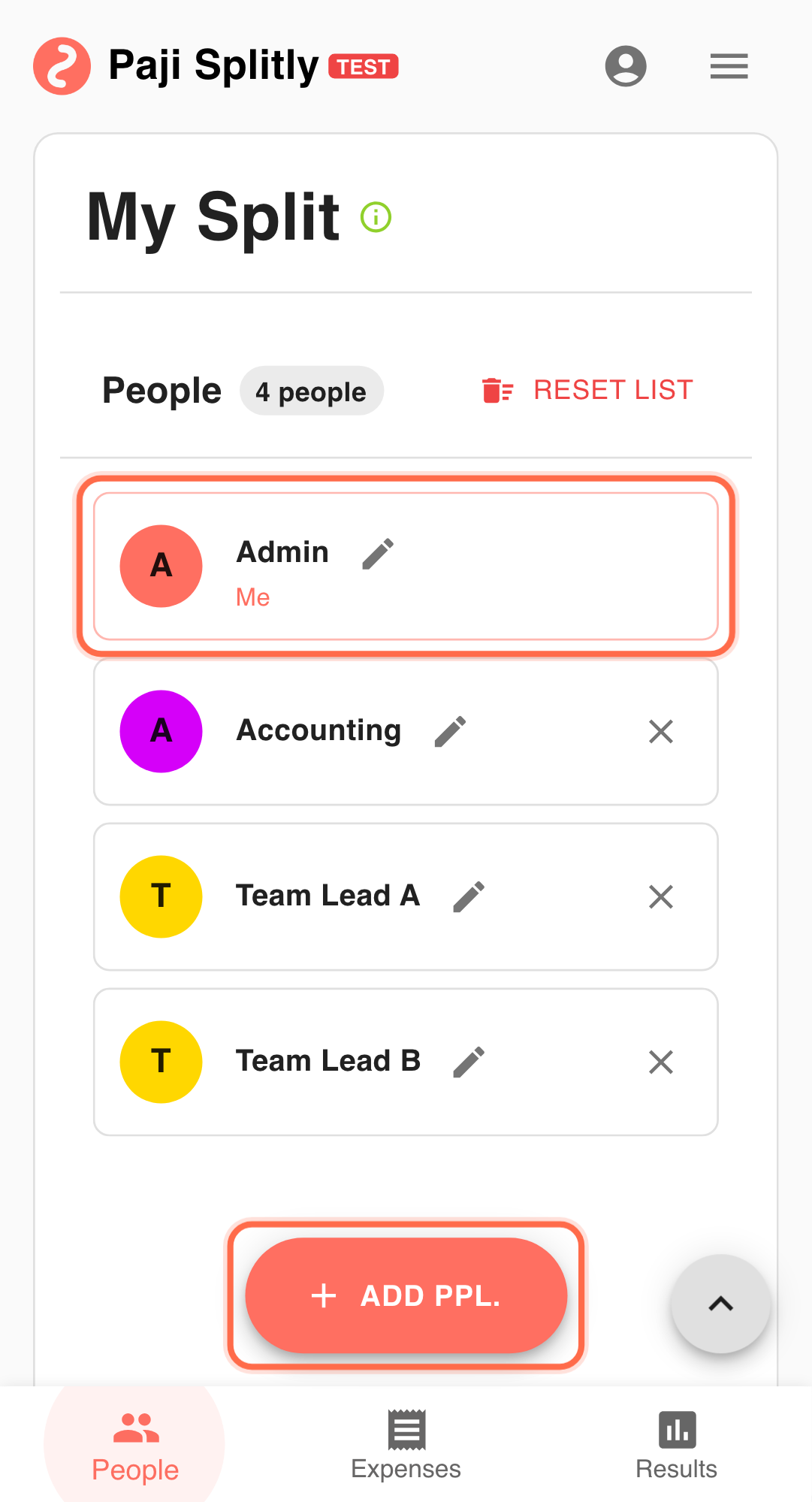
You prepaid most costs for a workshop:
- Venue, food, and supplies were paid from your card.
- You now need reimbursement from participants and finance contacts.
- You want one concise message that everyone can follow.
Step-by-Step Execution for Post-Event Reimbursement
-
Complete bill records first Ensure expenses, payers, and participants are final before export. Use a tight 3-minute validation window for this step; if it overruns, clean data discrepancies before moving on.
-
Confirm amounts in "Settlement" Validate who owes whom and how much.
-
Use "Export Bill" Generate a structured summary for group chat or finance handoff. Note: "Export Bill" is a Premium feature.
-
Check "Bill Modification Log" before sending Confirm there were no late edits that changed the result.
-
Use one exported version for all reimbursement follow-up This prevents confusion from mixed screenshots or outdated messages.
Why This Works
- Better readability for recipients.
- Traceable basis for reconciliation.
- Faster reimbursement cycles after events.
Practical Tactics for Post-Event Reimbursement
- Tip 1: Freeze the version before export.
- Tip 2: Mark the message as "final version" to reduce repeated questions.
- Tip 3: If edits happen later, re-export and clearly timestamp the update.
Final Validation for Post-Event Reimbursement
- Compare the exported bill against original receipts — finance teams often reject claims when line items do not match supporting documents.
- Confirm that your advance payments are clearly attributed to you as the payer, so the reimbursement amount reflects what you actually spent, not what others owe each other.
- Check "Bill Modification Log" one final time before sending — a late edit after export means your submitted version is already outdated.
Communication Pattern for Post-Event Reimbursement
- Send the exported bill as the sole attachment in your reimbursement request — do not supplement it with separate screenshots or spreadsheets that might contradict it.
- When forwarding to a finance contact, add a one-line summary (e.g., "Workshop on Feb 20, total $22,000, my advance was $18,500, requesting reimbursement of $18,500") so they can approve without digging into details.
- If participants still owe you personally, share the same exported version with them and point to their specific line — using one document for both finance and participants prevents conflicting numbers.
Takeaway from Post-Event Reimbursement
Accurate numbers are only half of split-bill execution. The other half is delivering results in a reusable format. "Export Bill" helps teams close reimbursement faster with less back-and-forth.
Common Risks in Post-Event Reimbursement
- Risk 1: You export the bill, then someone adds a late correction — now the version you submitted to finance no longer matches the live bill. Mitigation: freeze all edits before exporting, and if a correction is unavoidable, re-export and clearly mark the updated version with a new timestamp.
- Risk 2: The exported summary shows settlement balances between all participants, but finance only needs to see what you personally advanced — the extra detail causes confusion or delays. Mitigation: highlight your own payer lines and total advance amount when submitting, so the approver can focus on the reimbursement-relevant portion.