
📌 This is a simulated use case designed to illustrate how features can be used. The actual interface and workflow may differ slightly depending on the version.
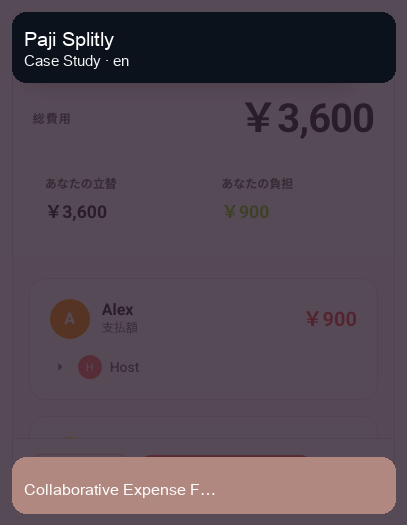
Collaborative Expense Fixes: Keep Changes Clear with Bill Modification Log
Most shared-bill friction does not happen during first-time entry. It happens later, when someone finds a missed receipt, edits an amount, or changes participants on an expense.
This case shows a practical workflow in Paji Splitly: collaborate on one live bill, apply corrections directly, then verify each edit through "Bill Modification Log" before final settlement.
Context: Collaborative Expense Fixes
In a recent team outing, 4 entries had wrong amounts; reviewing the edit log line by line reduced a $1,350 discrepancy back to $0.
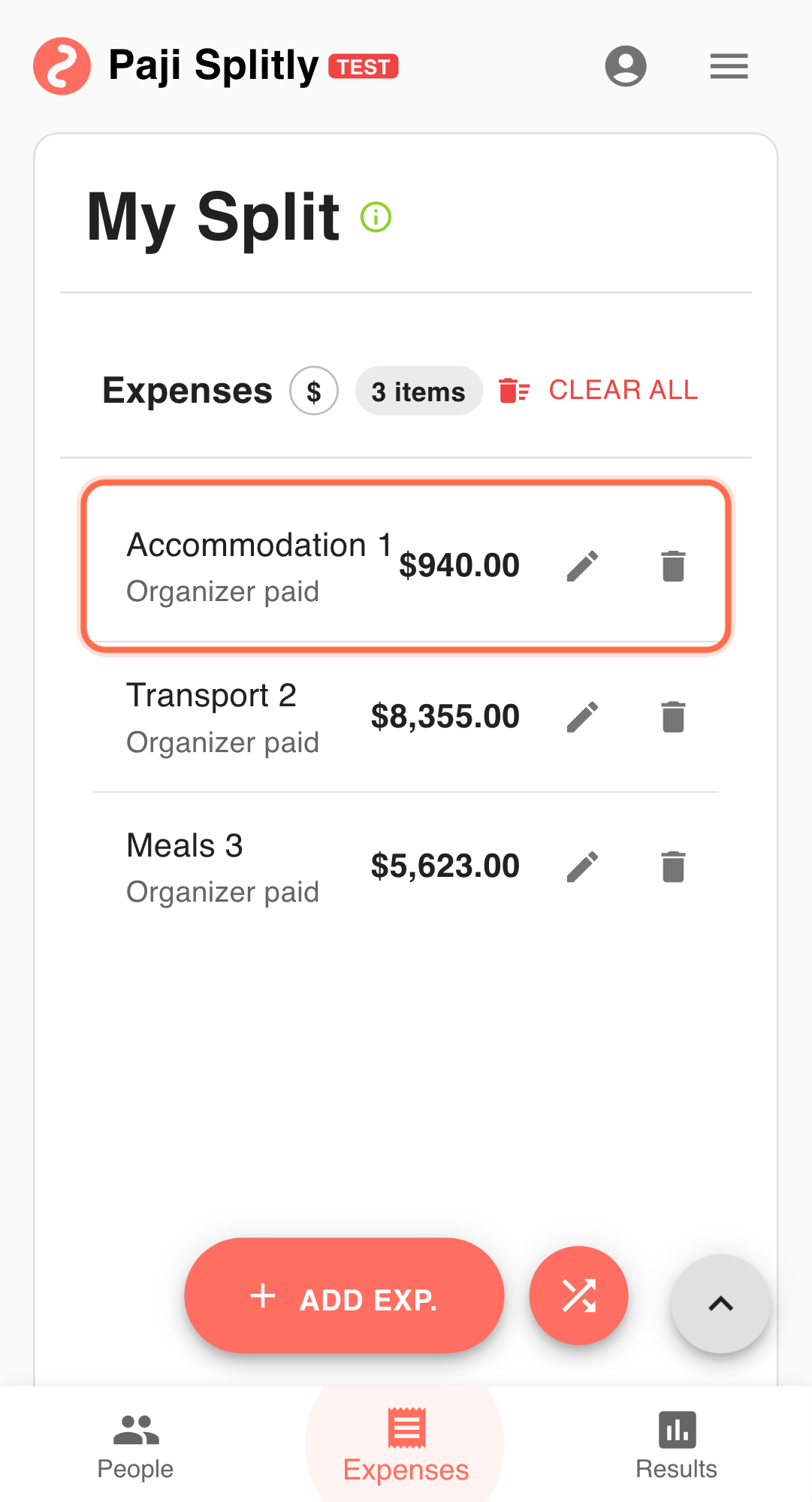
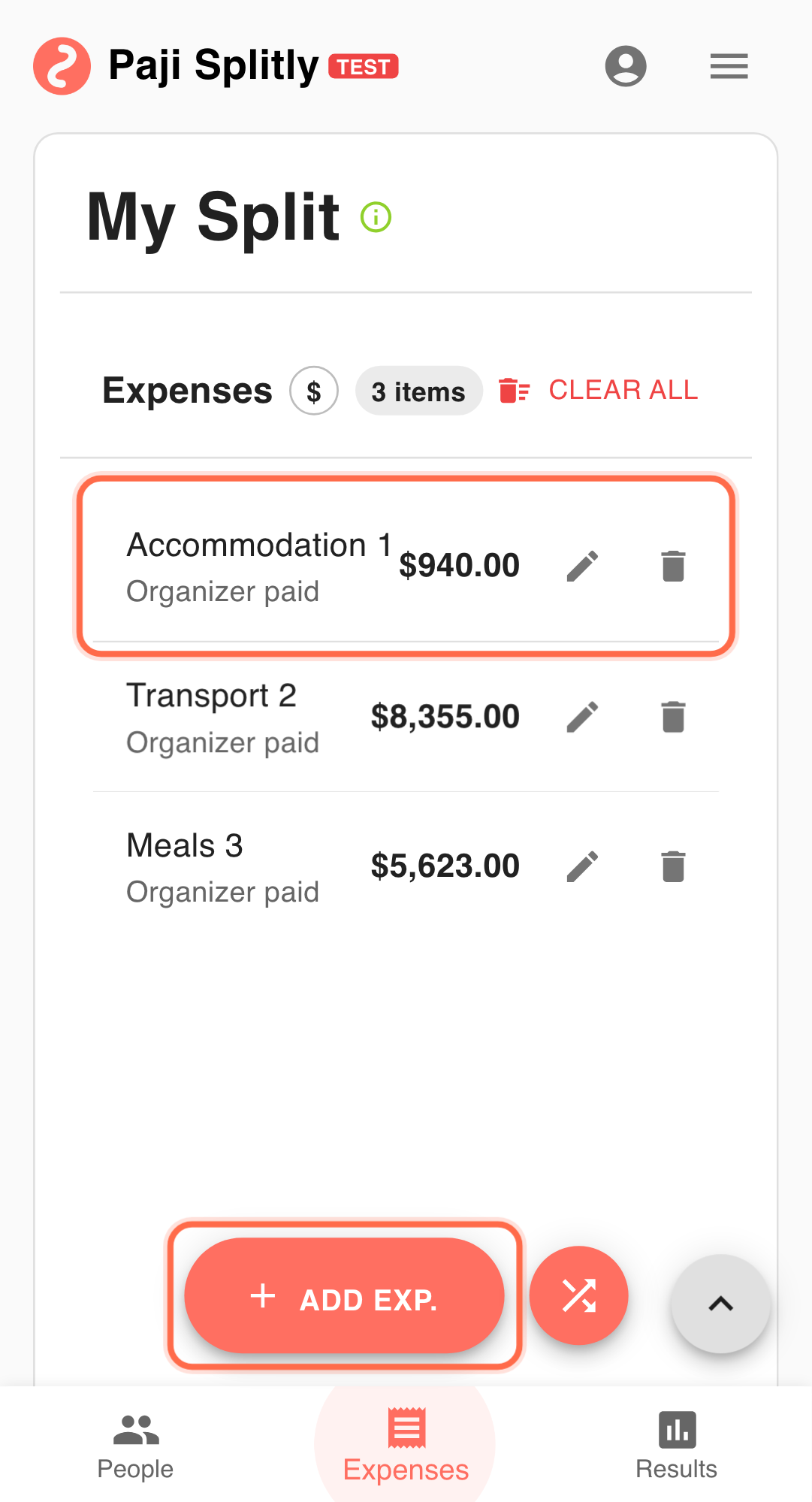
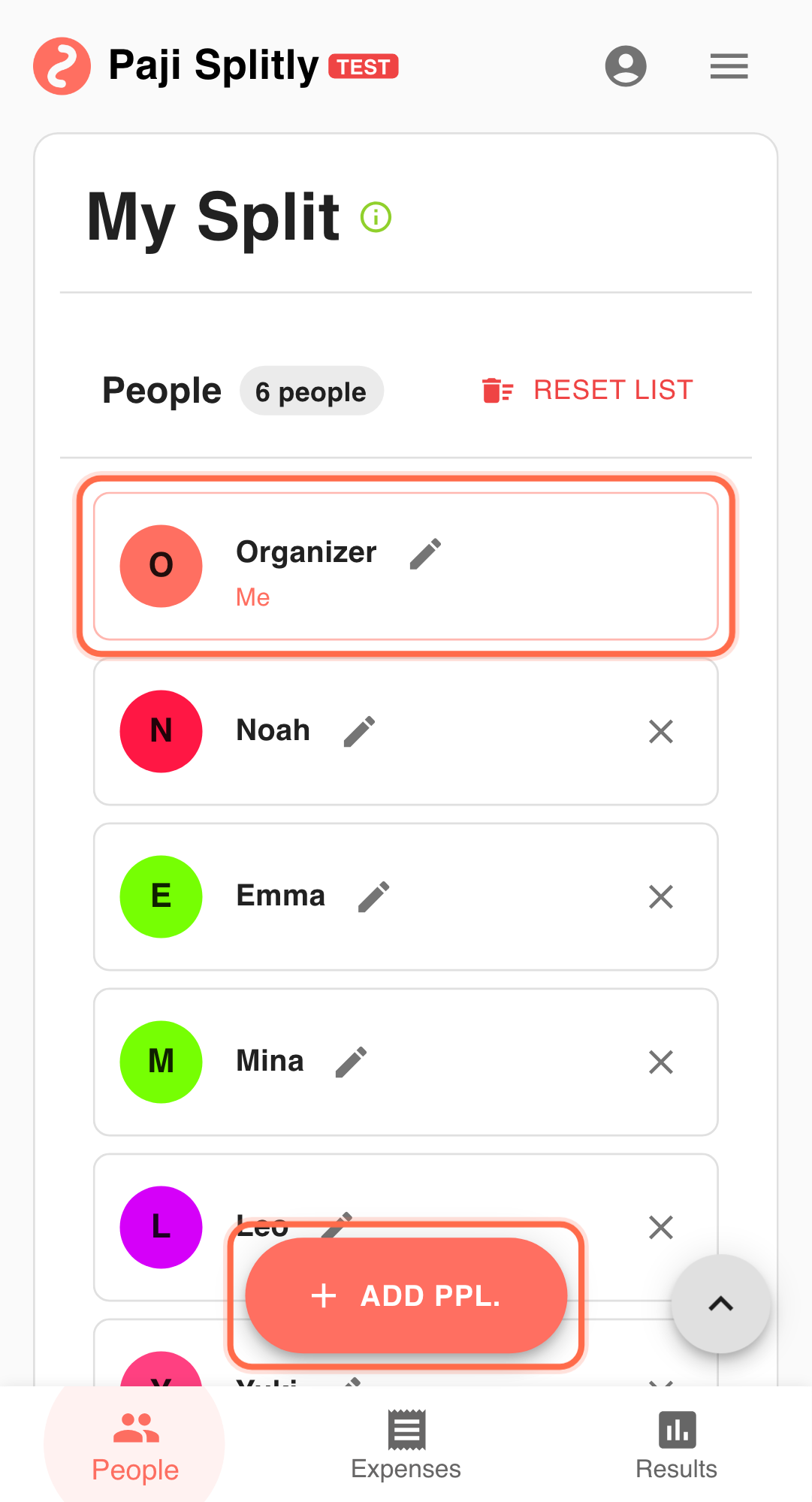
Five coworkers run a workshop and split costs:
- Venue: $600 (everyone shares)
- Food: $240 (everyone shares)
- Supplies: $75 (only three people share)
Two days later, they discover one missed food receipt ($36) and one duplicated supply item.
Step-by-Step Workflow
-
Create one bill and use "Invite to Edit" Share one bill link so each payer can enter or correct their own expenses. When this step exceeds 3 minutes, the issue is usually consistency gaps in the underlying entries, not execution speed.
-
Complete a usable first draft Get all known items in first. Accuracy improves faster when the list is complete.
-
Apply direct corrections
- Update food from $240 to $276.
- Remove the duplicated supply entry.
- Adjust participants if the split scope was wrong.
- Open "Bill Modification Log" to validate changes Use the log to confirm:
- who changed what,
- when the change happened,
- and what was edited, added, or deleted.
- Check "Settlement" only after edits are done Review the final transfer path after corrections. This prevents rework from settling too early.
Why This Flow Works
- Corrections are traceable, not memory-based.
- Responsibilities are clear: payers update data, organizer validates final output.
- Last-minute edits stay auditable instead of becoming hidden changes.
Practical Tactics for Collaborative Expense Fixes
- Tip 1: Announce the expense you are about to edit to reduce collision.
- Tip 2: After any large correction, quickly review the log before moving on.
- Tip 3: Run transfers only from the latest confirmed "Settlement" view.
Final Validation for Collaborative Expense Fixes
- Open "Bill Modification Log" and walk through each correction to make sure the updated amount, not the original, is what "Settlement" reflects.
- Verify that participant scope changes (e.g., supplies shared by 3 instead of 5) actually updated each person's balance, not just the line item description.
- Compare the final settlement total against the sum of receipts — if the $1,350 gap reappears, a correction was likely reverted or missed.
Communication Pattern for Collaborative Expense Fixes
- Before making a correction, post in the group chat what you are changing and why (e.g., "Adding $36 missing food receipt to the food line — updating from $240 to $276").
- After all corrections are done, the organizer should share the "Bill Modification Log" summary so everyone can see what changed and confirm they agree.
- If a correction is disputed, reference the specific log entry with its timestamp rather than arguing from memory — it keeps the discussion factual.
Takeaway from Collaborative Expense Fixes
In collaborative split bills, stability comes from traceability. Once "Bill Modification Log" becomes part of the routine, teams can correct data quickly without losing trust in the final numbers.
Common Risks in Collaborative Expense Fixes
- Risk 1: Two people correct the same entry at the same time — one adds the missing receipt while the other adjusts participants, and one edit overwrites the other. Mitigation: announce which entry you are editing in the group chat before touching it.
- Risk 2: A correction is applied to the wrong line item (e.g., updating "Supplies" instead of "Food"), shifting balances for people who had nothing to do with the change. Mitigation: always verify the entry name and original amount in the log before saving a correction.