
📌 This is a simulated use case designed to illustrate how features can be used. The actual interface and workflow may differ slightly depending on the version.
Month-End Split Review: Dashboard Overview, Personal Stats, and Detailed Charts
Many groups stop at settlement and skip review. Without review, the same bookkeeping and follow-up issues repeat every month.
This Paji Splitly case uses existing features to run a practical monthly review workflow.
The goal of month-end review is not to "look at charts." It is to decide what should change next month, with clear follow-up actions.
A Month-End Snapshot Before the Next Cycle Starts
At month-end, the dashboard showed 63 total entries with dining at 42%, giving a clear place to start next month's budget controls.
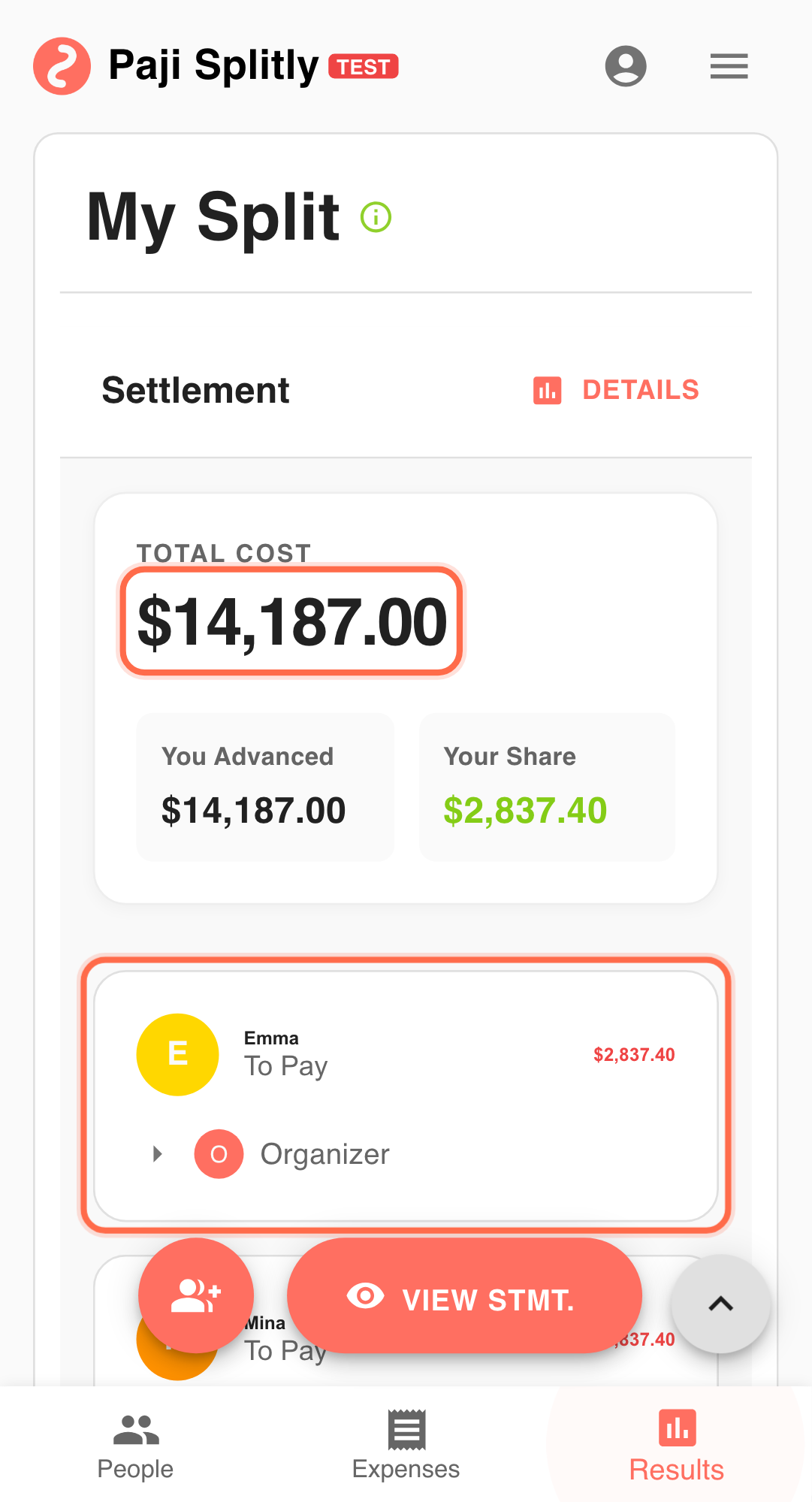
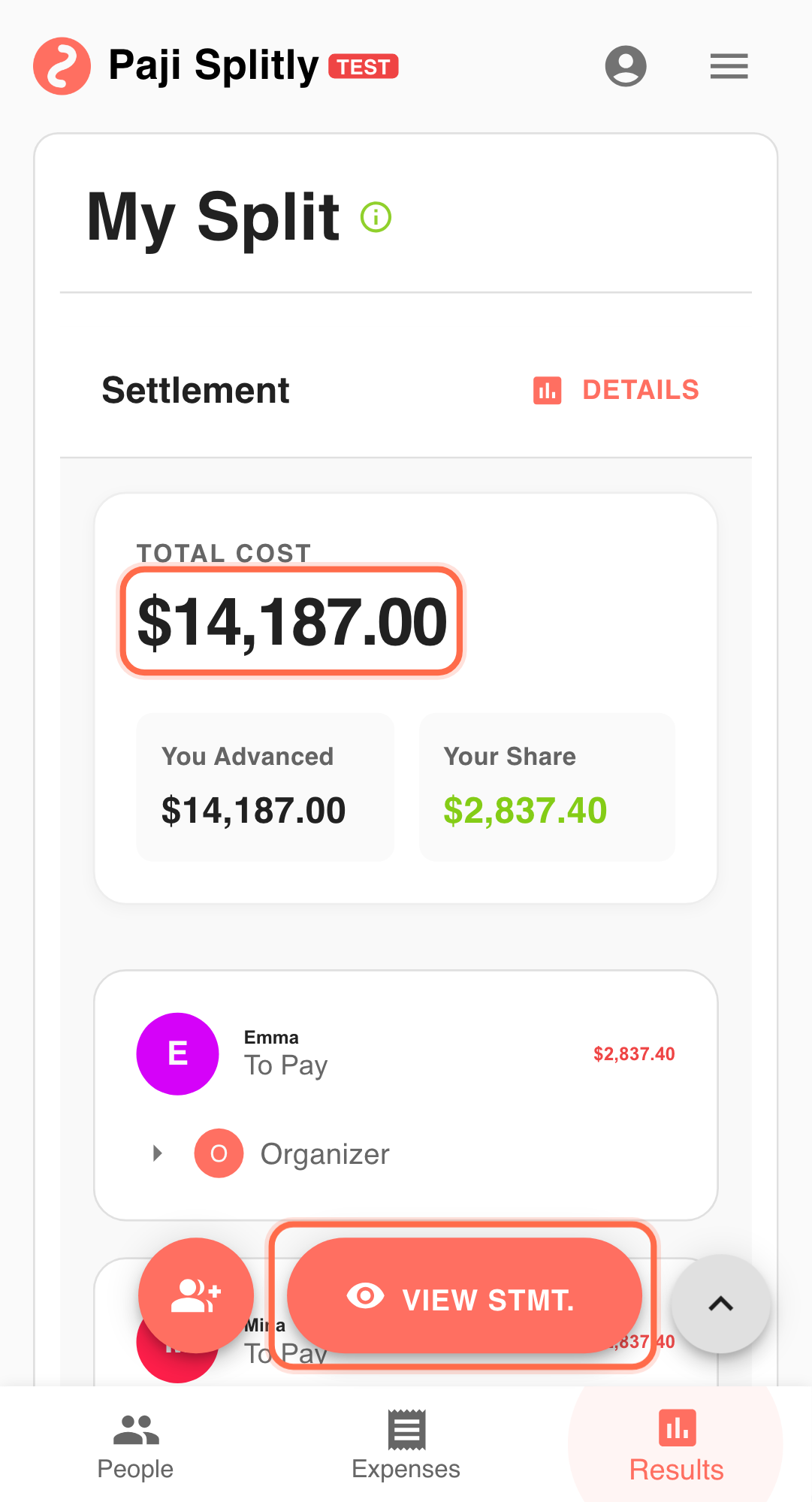
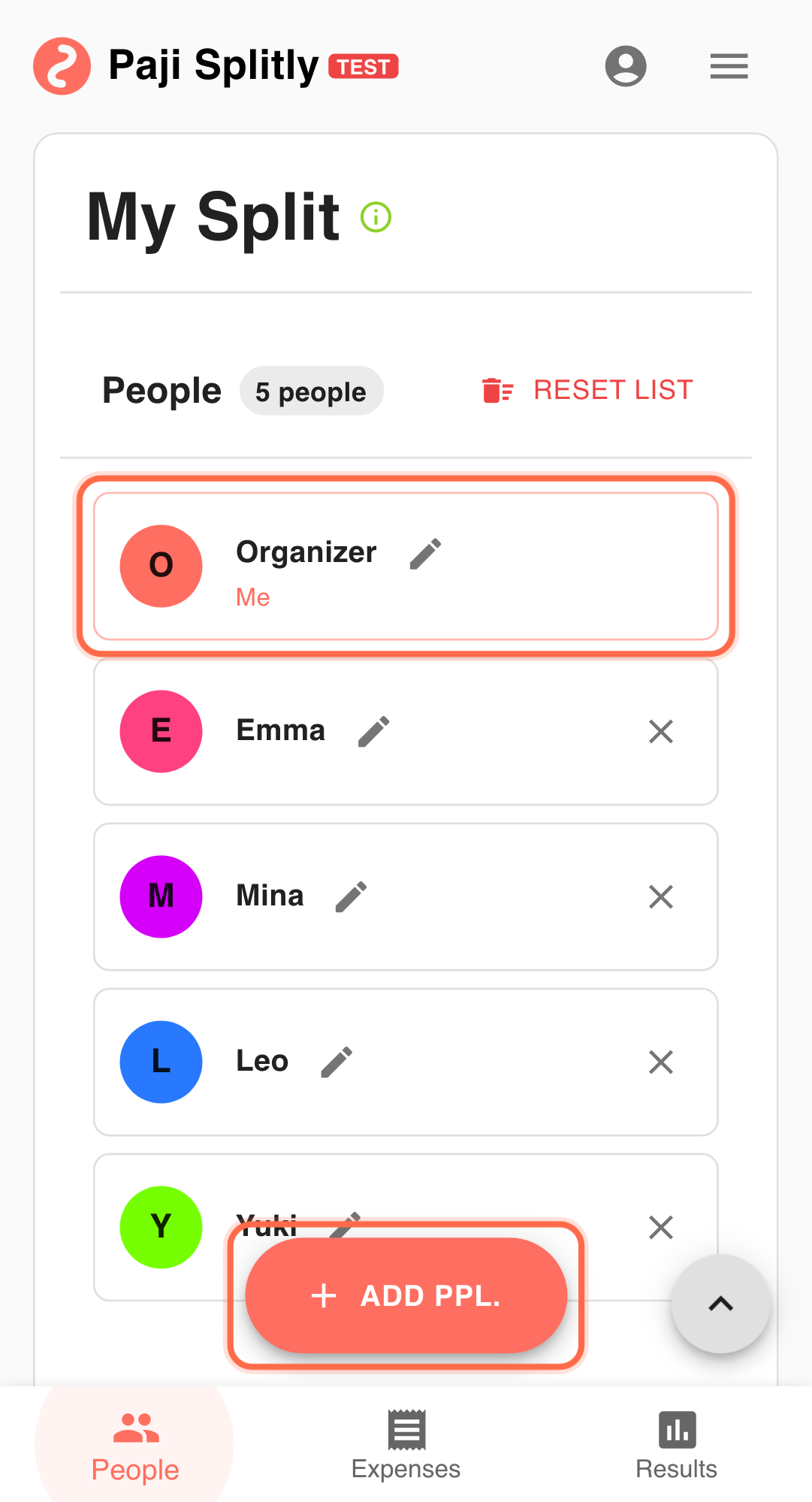
- You participated in multiple bills this month.
- You want to understand paid vs share vs net balance trends.
- You want clearer habits for next-month collection and entry.
A 15-Minute Review Sequence That Is Easy to Repeat
- Open Dashboard Overview to see full-month scope. Start broad first so you do not get stuck in line-item noise too early. Run a 3-minute quick-lock pass here; if it still loops, reconcile overlap and stale states first.
- Check Personal Stats for your core metrics. Focus on paid, shared, lend, borrow, and net direction, not just totals.
- Use Detailed Charts to inspect spending distribution. Review top categories first to identify high-impact behavior patterns quickly.
- Return to bill-level Results for unresolved balances. Always translate chart insights into concrete unresolved actions.
- Use Export Bill (Premium) if formal reporting is needed. If sharing externally, include a short "what changed this month" summary.
Final Validation Before You Close the Month
- Cross-check Personal Stats (paid vs. share vs. net) against at least two source bills to make sure the dashboard totals reflect reality, not stale data.
- If a category like dining dominates the Detailed Charts breakdown, open the underlying entries to confirm it is a real spending pattern and not repeated or miscategorized items.
- Write down 1-2 concrete next-month actions (e.g., "cap dining to 35%" or "require receipts for transport") so the review produces decisions, not just observations.
How to Discuss Findings Without Reopening Every Detail
- Share the Dashboard Overview screenshot in chat first so everyone sees the same high-level picture before anyone raises line-item questions.
- Reference Personal Stats numbers ("you paid $1,200 but your share was $900") to keep discussions fact-based instead of memory-based.
- Schedule the review on a fixed day each month — when the timing drifts, people forget context and discussions take twice as long.
What a Good Review Should Produce
A useful split review does not require new tools. With Dashboard Overview, Personal Stats, and Detailed Charts, Paji Splitly already supports a strong monthly improvement loop.
Typical Review Risks and How to Control Them
- Risk 1: A one-off large expense (like a group gift or venue deposit) skews the Detailed Charts breakdown and makes normal spending categories look smaller than they are. Mitigation: note outlier entries separately so month-over-month comparisons stay meaningful.
- Risk 2: Reviewing Personal Stats without checking whether all bills are fully settled first — unsettled balances can shift your net position once final payments come through. Mitigation: confirm all bills show "settled" status before drawing conclusions from your personal net balance.