
📌 This is a simulated use case designed to illustrate how features can be used. The actual interface and workflow may differ slightly depending on the version.
Multi-Night Stay Changes: Split by Night for Accurate Settlement
In multi-night trips, people often join late, leave early, or switch rooms. If total lodging is recorded as one merged line, settlement becomes inaccurate.
This case shows a practical structure in Paji Splitly: record lodging per night and set participants per line.
Context: Multi-Night Stay Changes
Across a four-night stay with two room changes and shifting attendance, per-night participant scopes turned the hardest lodging split into the easiest one to explain.
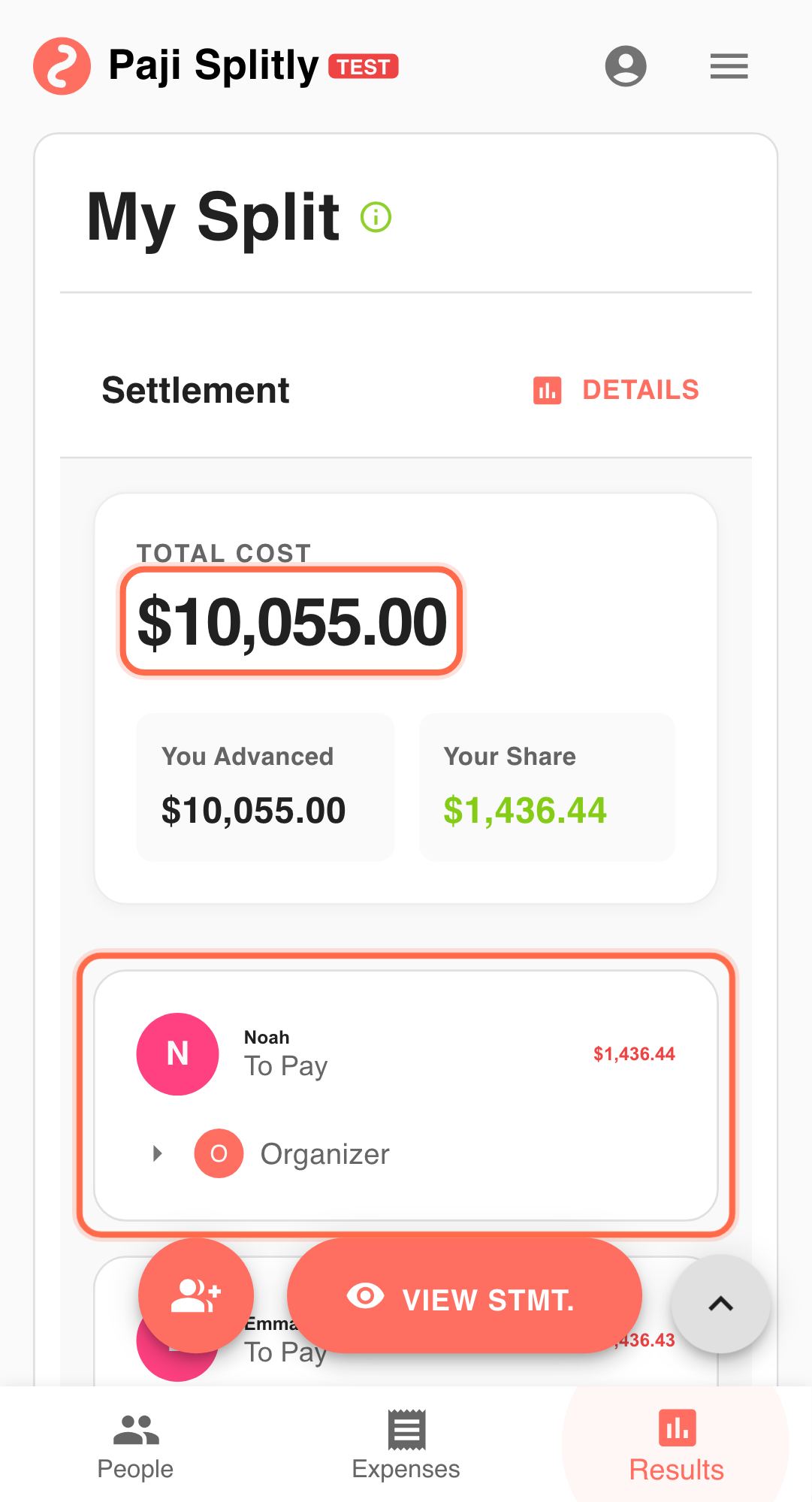
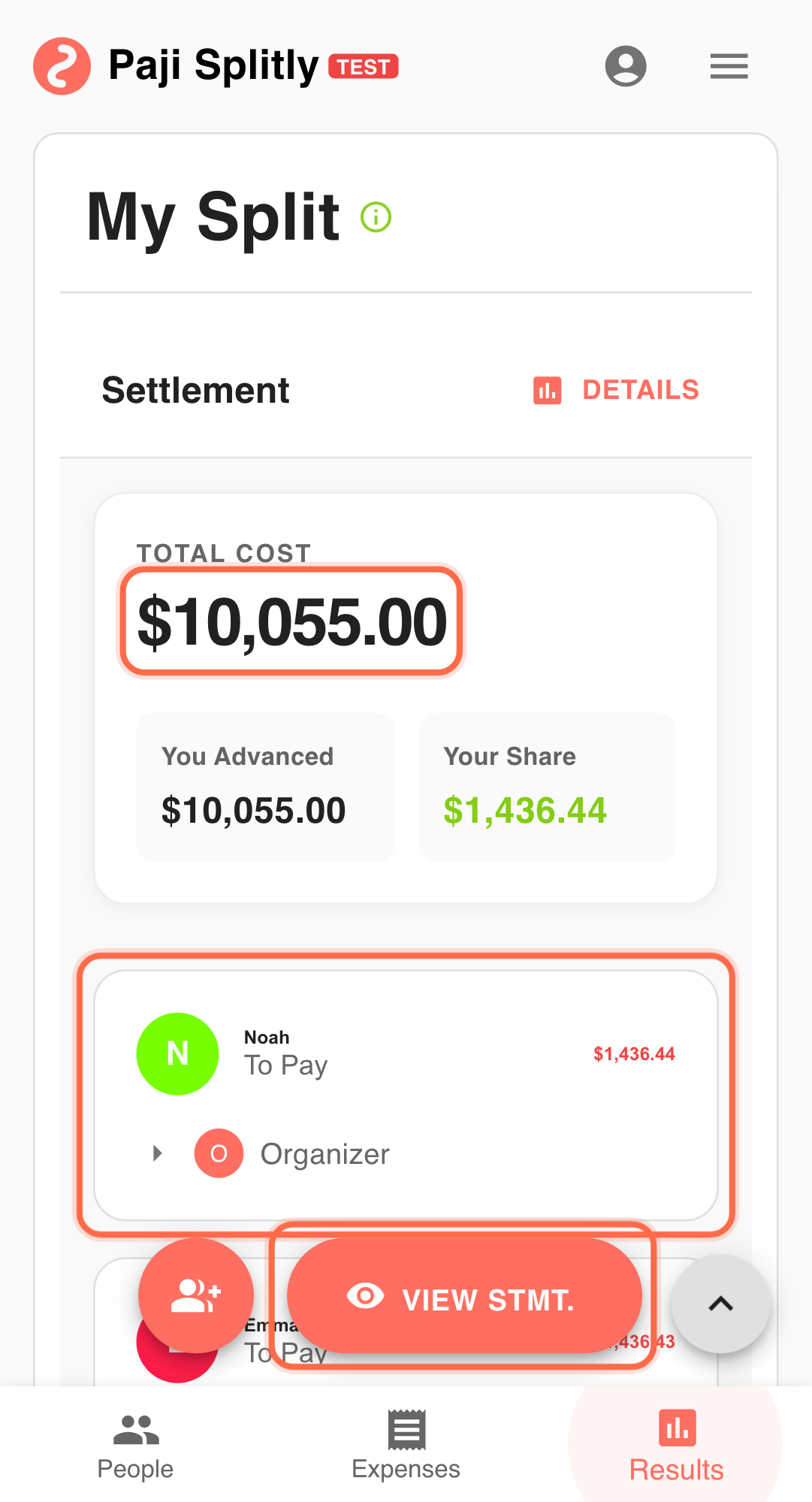
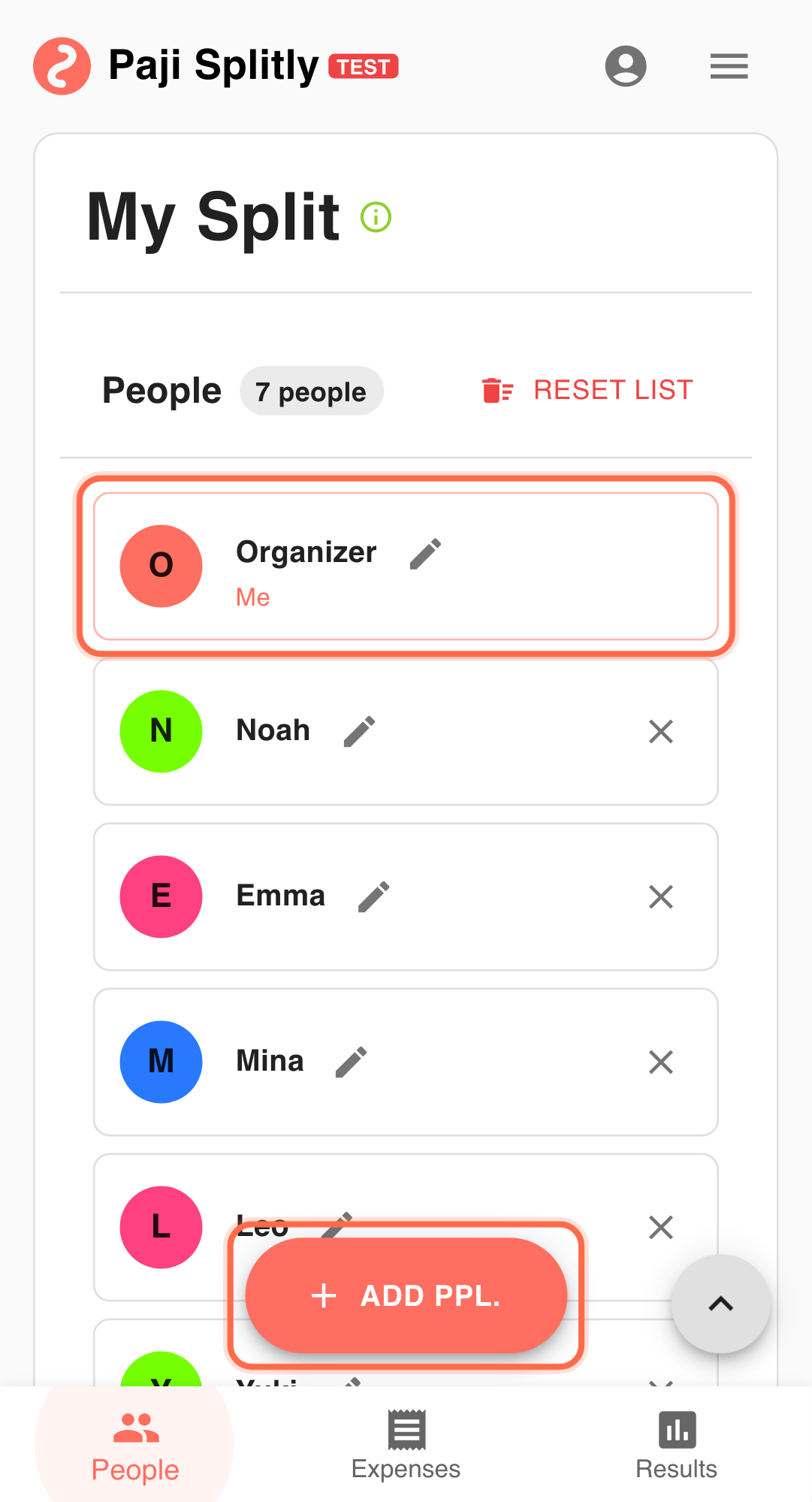
A 3-night trip with 9 people:
- Night 1: all 9 stay.
- Night 2: one person joins.
- Night 3: two people check out early.
Operational Flow for Multi-Night Stay Changes
-
Create separate lodging lines per night Do not merge all nights into one expense line. Keep this checkpoint short by design; once it exceeds 3 minutes, prioritize consistency repair.
-
Set participant scope for each night Include only actual stay participants per night.
-
Record extra bed/upgrade as separate lines Keep variable costs isolated from base lodging.
-
Use "Bill Modification Log" for adjustment checks Verify that each nightly change was applied.
-
Finalize with "Results" and share "View Settlement Statement" Collect only after one final version is aligned.
Why Nightly Splitting Works
- Night-specific scope stays accurate.
- Changes affect only relevant nights.
- Less manual correction at final reconciliation.
Practical Tactics for Multi-Night Stay Changes
- Tip 1: Name lines with night labels (e.g., "Night 2 Twin Room").
- Tip 2: Update nightly attendance before the day ends.
- Tip 3: For documentation, use "Export Bill" (Premium).
Final Validation for Multi-Night Stay Changes
- Open each nightly lodging line and verify the participant list matches who actually stayed that night — a person who checked out on Night 2 should not appear on Night 3.
- Confirm that extra-bed or room-upgrade lines are attached only to the people who used them, not shared across the full group.
- Compare the total across all nightly lines against the hotel invoice to catch any missing or double-counted nights.
Communication Pattern for Multi-Night Stay Changes
- Before sharing the settlement, post a simple night-by-night attendance summary (e.g., "Night 1: all 9, Night 2: 10, Night 3: 8") so everyone can confirm their own participation before seeing amounts.
- When someone disputes a charge, point them to the specific nightly line rather than the overall total — per-night breakdowns make it easier to pinpoint where the disagreement is.
- If a room switch happened mid-stay, tag the affected people directly and ask them to confirm the change was recorded on the correct night.
Takeaway from Multi-Night Stay Changes
Accurate multi-night lodging settlement is mostly a data-structure problem. Split by night and set scope per line.
Common Risks in Multi-Night Stay Changes
- Risk 1: All nights are merged into a single lodging line and split equally, overcharging people who left early or joined late. Mitigation: always create separate expense lines per night so participant scope can be set independently.
- Risk 2: A room switch is recorded on the wrong night, causing two people to be charged for a room neither actually occupied that evening. Mitigation: label each line with the night number and room type, and cross-check against the hotel booking confirmation.