
📌 This is a simulated use case designed to illustrate how features can be used. The actual interface and workflow may differ slightly depending on the version.
Skip the Awkward "Who Pays?" Moment: Use Lucky Draw to Decide in 30 Seconds
The hardest part of group dining is rarely the math. It is that 30-second silence after the bill arrives when everyone waits for someone else to offer. Rock-paper-scissors feels juvenile, taking turns never survives past the second week, and the most senior person quietly pays again because nobody else steps up.
This case shows a short workflow in Paji Splitly: use Lucky Draw to randomly pick who pays, then the system opens the expense form with the winner already filled in as the payer. The whole sequence takes under a minute.
The point is not to replace generosity with randomness. It is to remove the decision bottleneck so the group can move on without anyone feeling singled out or pressured.
The Same Stalemate Every Friday
Last Friday a team of 6 spent 4 minutes debating who should cover the drinks. The same person ended up paying, again.
- 6 coworkers meet every Friday. One or two items each time (drinks, dessert, tip) are too small for a formal split but too awkward to ignore.
- Rock-paper-scissors was tried and abandoned after people started opting out.
- The goal is a method everyone accepts that takes less time than the argument it replaces.
The drinks bill was $540. Not a big number, but precisely because it is small, nobody wants to fight over it and nobody wants to volunteer either. That "not worth arguing but not willing to pay" zone is exactly where Lucky Draw works best.
4 Steps from Tap to Recorded Expense
-
Open Lucky Draw Tap "Lucky Draw" on the bill page. The system lists all current participants. Takes about 5 seconds. No extra setup needed.
-
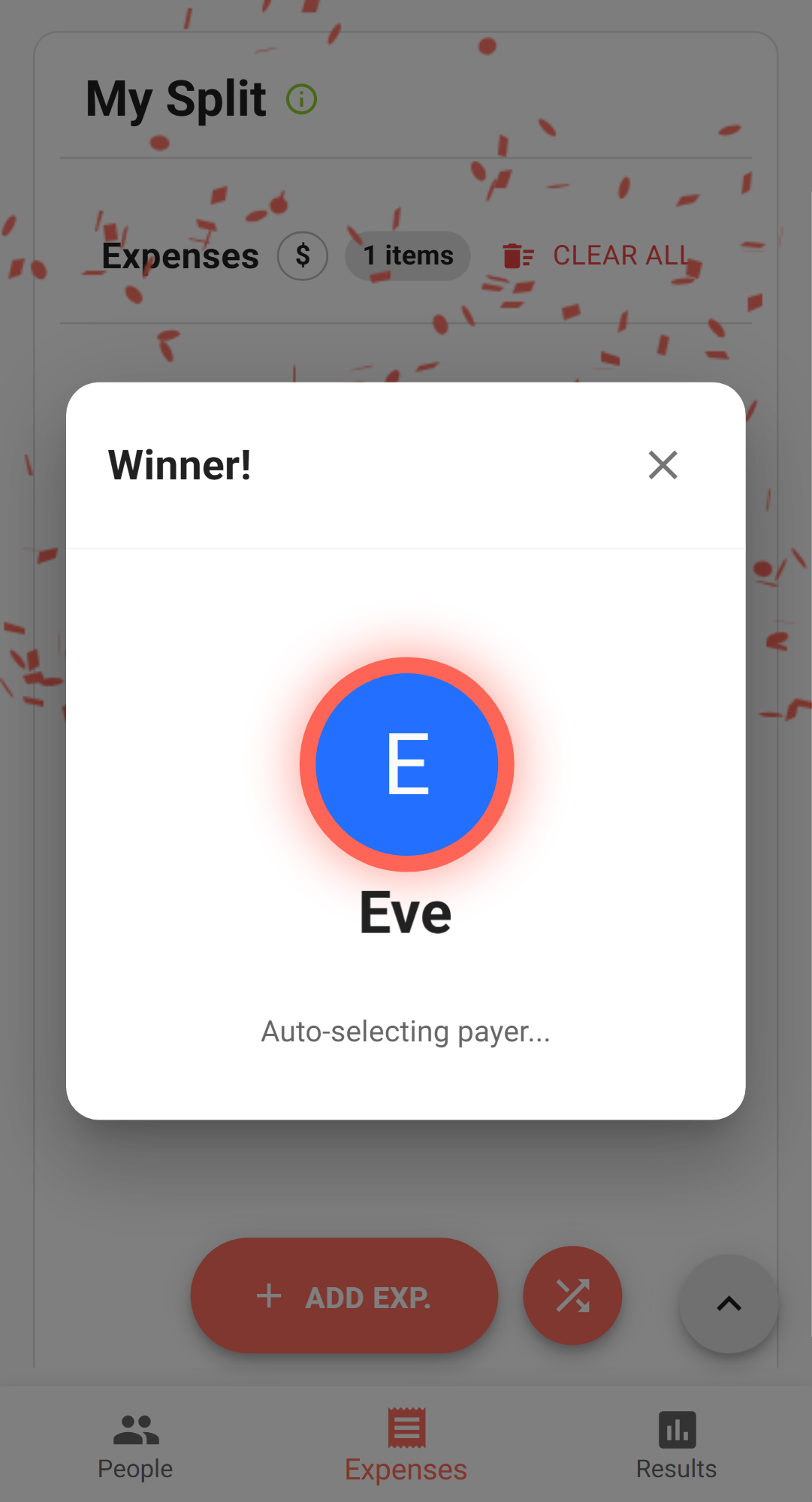
Tap draw and watch the result The system randomly selects one (or more) participants. After the animation, the screen clearly shows who was picked. For "who treats" scenarios, drawing one person is usually enough. For larger amounts, you can draw 2-3 to share the cost.
-
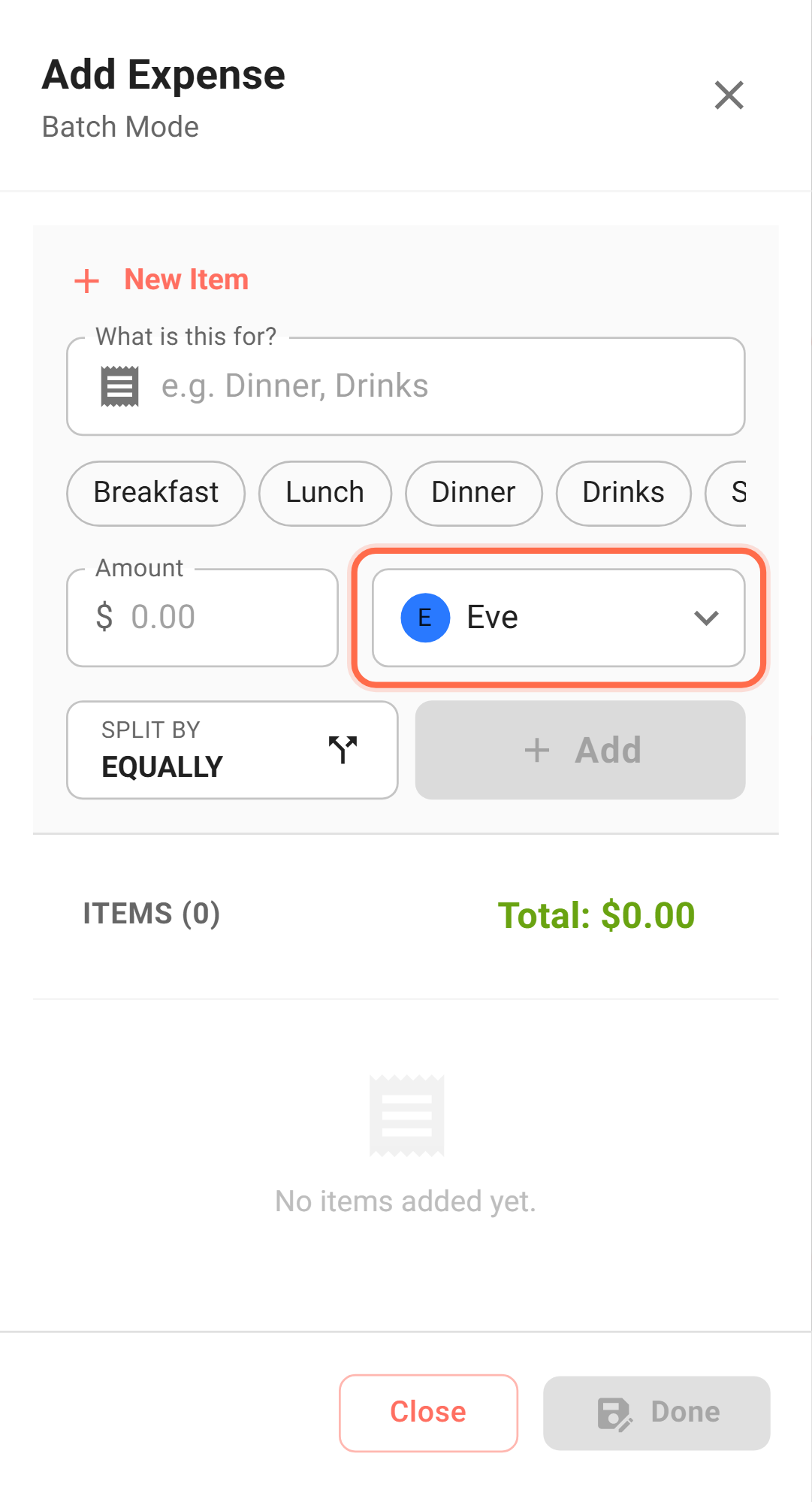
Confirm the amount and submit After the draw, the system automatically opens the expense form with the winner already set as the payer. Enter the amount, confirm participants, and submit. This skips the "draw first, then manually record" round-trip. One continuous flow.
-
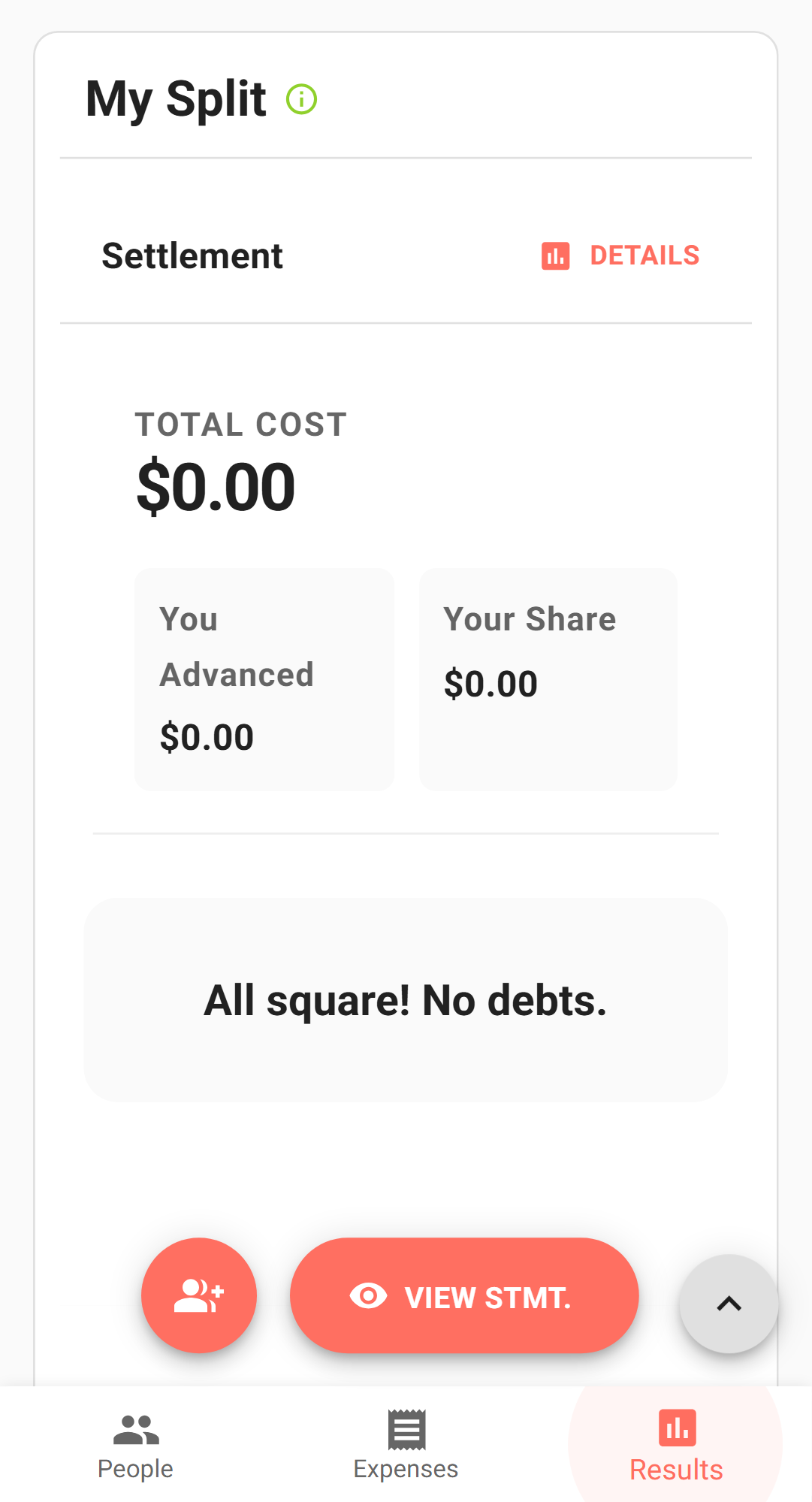
Check results to confirm Once submitted, the settlement results page updates instantly. If this expense is a treat (payer = drawn person, participants = everyone), the settlement correctly shows that others owe nothing for this item.
Why Drawing Is Faster Than Discussing
- Nobody has to volunteer. The social pressure of "I guess I will pay" disappears.
- The result is system-generated. No human manipulation, no suspicion of bias.
- The draw flows directly into expense recording. No extra step to manually enter what was decided.
- Works for any situation where someone needs to pay but nobody should be forced to decide.
Beyond "Who Treats": Other Scenarios Worth Drawing For
- Drinks rotation: Weekly team lunch drinks decided by draw. Over time, everyone gets picked roughly equally. More reliable than trying to remember whose turn it was.
- Errand duty: Shared apartment needs someone to buy toilet paper or trash bags. Drawing takes 10 seconds, avoids the group chat debate.
- Small treats during trips: One person draws to buy ice cream, next stop someone else draws to buy coffee. Keeps the mood light, amounts small, nobody feeling cheated.
- Splitting a bigger tab among a few: If the amount is larger ($3,000 dinner main course), draw 2-3 people to share the cost instead of loading it on one person.
Three Things to Verify After the Draw
- Confirm the payer field shows the drawn person, not you. Because you are holding the phone, the system may default to the device owner.
- Confirm participant scope is correct. If someone is treating the whole table, participants should be everyone. If they are only covering their own portion, select accordingly.
- Let the drawn person glance at the amount before you submit. A 30-second check prevents after-the-fact disputes.
How to Get Everyone on Board
- Before the first draw, set expectations: "Drinks are on whoever gets drawn today. Everyone has an equal chance." Clear framing prevents pushback.
- When drawing, turn the phone screen toward the table. Letting everyone watch the animation together adds a fun ritual element.
- If someone gets drawn twice in a row, a verbal "you are exempt next time" works fine. The system does not track this, but social norms fill the gap naturally.
Simplicity Is the Whole Point
Lucky Draw is not a complex feature. Its value is turning "who should pay" from a 4-minute social negotiation into a 30-second tap. The simpler the process, the more likely people will use it again next week, and the less friction group dining creates over time.
Where Lucky Draw Goes Wrong
- Risk 1: Someone steps away right before the draw and gets picked while absent. They return and refuse to pay. Mitigation: confirm headcount verbally before drawing. Remove absent members from the list or agree on rules upfront.
- Risk 2: After the draw, the expense form gets dismissed without entering the amount. The draw happened but nothing was recorded. Mitigation: fill in the amount and submit immediately after drawing. Do not switch to chat or other screens first.