
📌 This is a simulated use case designed to illustrate how features can be used. The actual interface and workflow may differ slightly depending on the version.
Use Three Split Rules in One Event: Equal, Percentage, and Shares
In many group meals, conflict does not come from the total amount. It comes from forcing one split rule onto different expense types. Shared dishes, optional drinks, and double portions should not be treated the same.
This case shows a practical setup in Paji Splitly: use a different split rule per expense line in the same bill so the final result matches real consumption.
Context: Use Three Split Rules in One Event
At one group dinner, 9 shared charges and 5 personal add-ons were split under different rules, which removed the usual disputes over who covered extras.
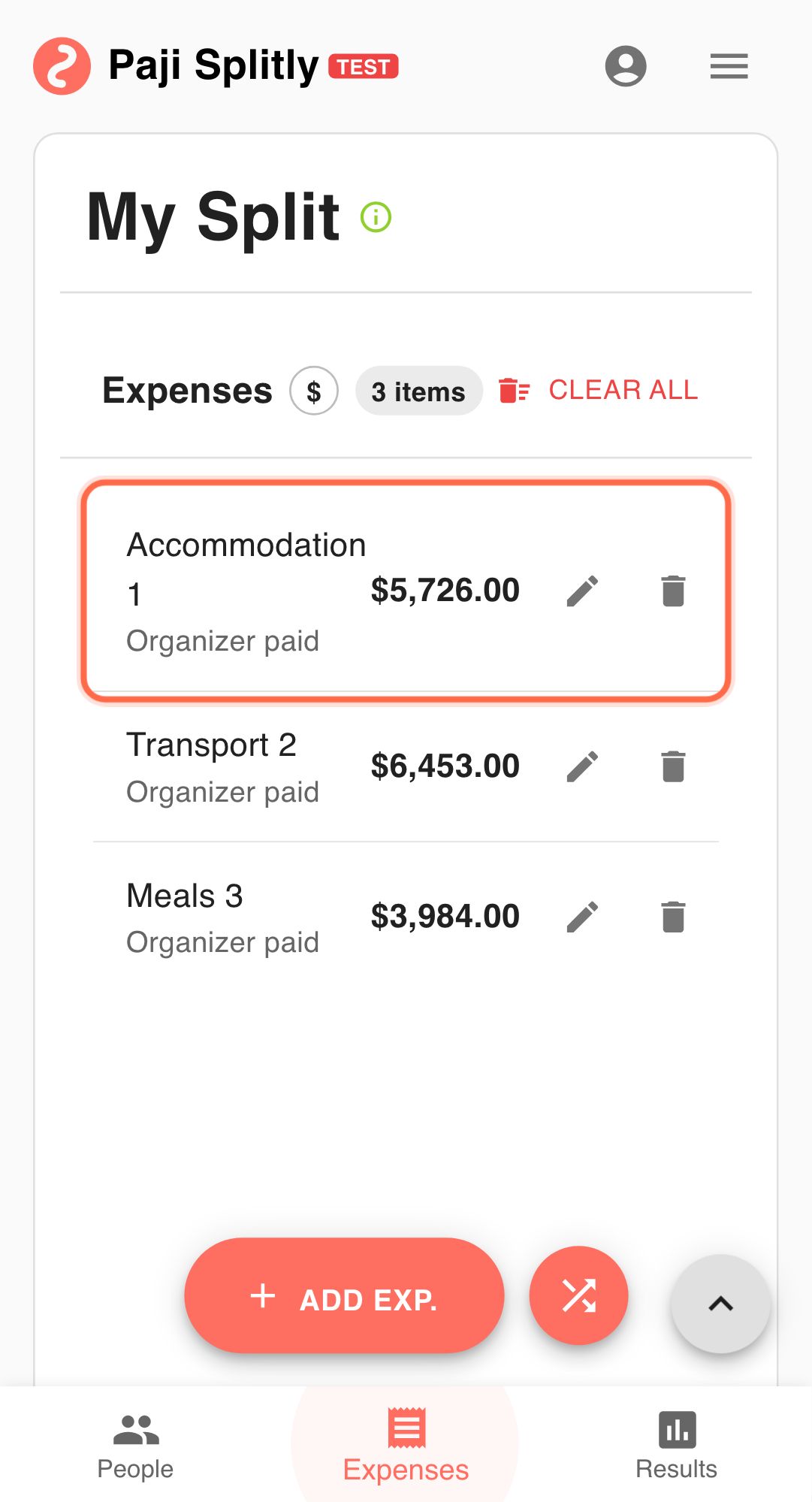
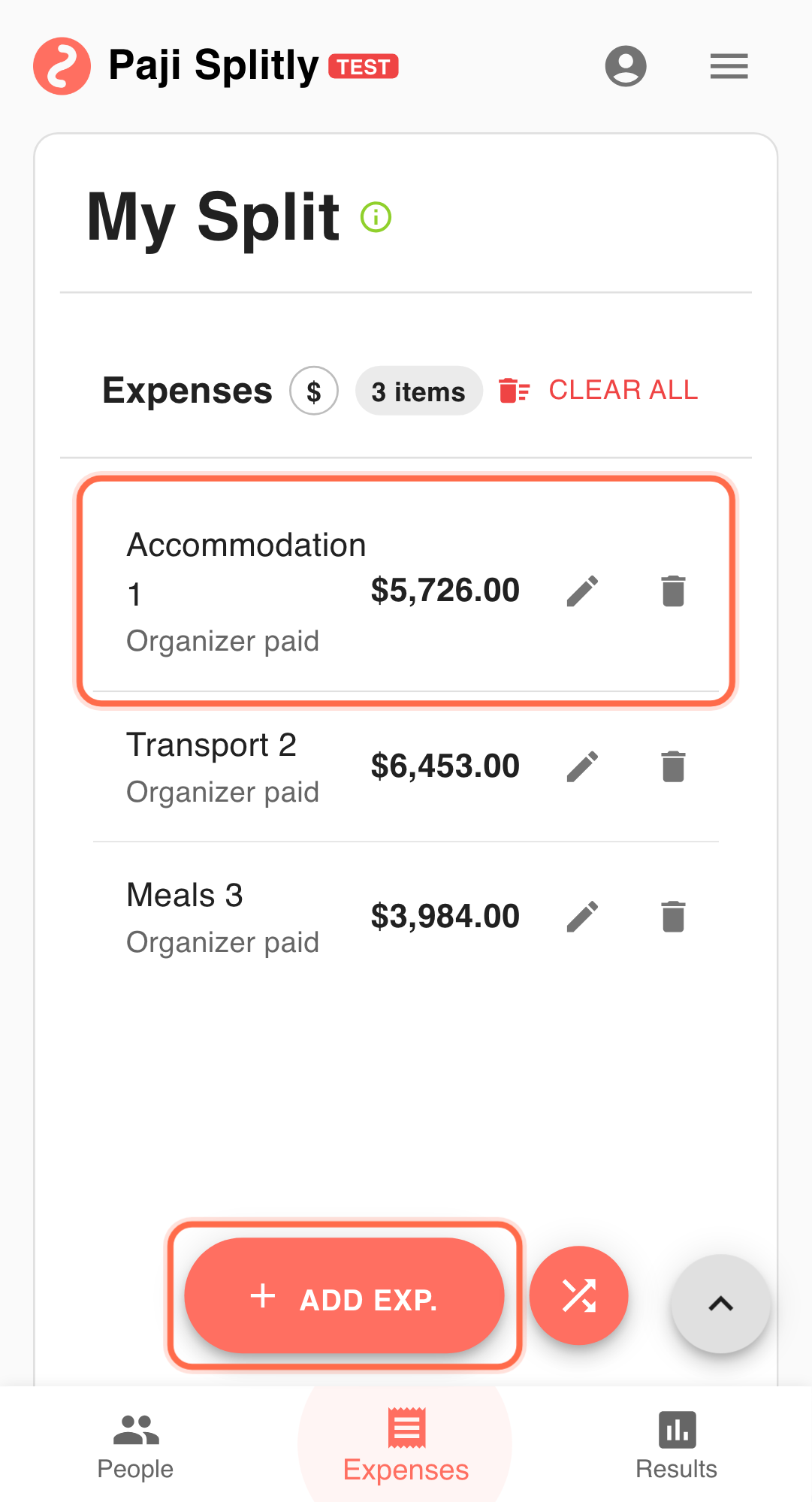
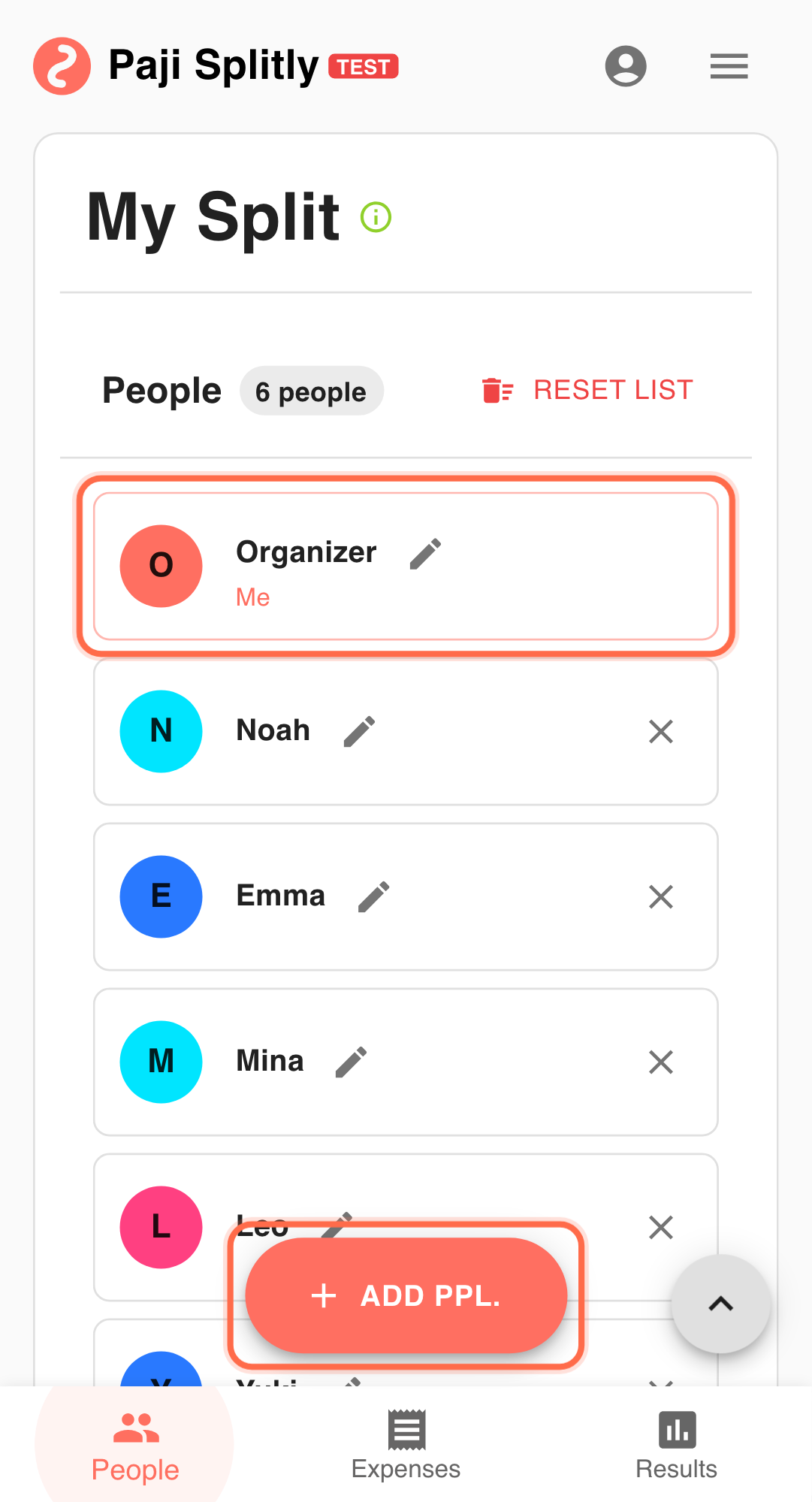
You have 7 people at dinner with three expense types:
- Shared meal set: everyone joins, good for Split Equally.
- Drinks: some do not drink, good for By Percentage.
- Seafood add-on: some take extra portions, good for By Shares.
Operational Flow for Use Three Split Rules in One Event
-
Set the shared meal to "Split Equally" Example: meal set
$4200, all participants included. If this step keeps stretching, version mismatch is often the root cause. Resolve that before pushing ahead. -
Set drinks to "By Percentage" Example: drinks
$1200, non-drinkers can be0%. -
Set add-ons to "By Shares" Example: seafood
$900, heavy eaters2shares, others1. -
Check "Results" before transfers Validate payment direction after mixed-rule calculations.
-
Use "Bill Modification Log" for questions If someone asks why a number changed, review rule edits directly.
Why This Combination Works
- Fairer mapping between expense type and split logic.
- Less manual correction after calculation.
- Better traceability when discussions happen.
Practical Tactics for Use Three Split Rules in One Event
- Tip 1: Build the equal-split baseline first.
- Tip 2: Re-check percentage totals before finalizing.
- Tip 3: Share one version with "View Settlement Statement" before payment.
Final Validation for Use Three Split Rules in One Event
- Open each expense line and confirm the correct split rule is attached: Equal for shared dishes, Percentage for drinks, and Shares for add-ons.
- For the Percentage-based drink split, verify that all participant percentages add up to exactly 100% and that non-drinkers are set to 0%.
- Check that the By Shares add-on entries reflect actual consumption (e.g., someone who took a double portion shows 2 shares, not 1), then confirm Results matches expectations before payment.
Communication Pattern for Use Three Split Rules in One Event
- Explain the three-rule setup to the group upfront (e.g., "shared dishes are equal, drinks are by percentage, seafood extras are by shares") so no one is surprised by their total.
- If a non-drinker questions their amount, walk them through the per-line breakdown to show they were excluded from the drink charge.
- When someone disputes their share count on add-ons, refer to the Bill Modification Log rather than relying on group memory of who ate what.
Takeaway from Use Three Split Rules in One Event
Accurate split bills are not about more complexity. They are about matching the right rule to each expense. Combining Equal, Percentage, and Shares handles most mixed-consumption events cleanly.
Common Risks in Use Three Split Rules in One Event
- Risk 1: The wrong split rule is applied to an expense line (e.g., drinks set to Equal instead of Percentage), so non-drinkers end up subsidizing others. Mitigation: review each line's split rule type right after entry, before moving on to the next expense.
- Risk 2: Percentage allocations for drinks do not sum to 100%, causing the system to either reject the entry or silently misallocate the remainder. Mitigation: add up all participant percentages on each Percentage-based line and correct any gaps before saving.