
📌 This is a simulated use case designed to illustrate how features can be used. The actual interface and workflow may differ slightly depending on the version.
Many Small Expenses, One Fast Pass: Use Batch Mode
In group trips, major costs are easy to remember. Small costs are not. Snacks, parking, tolls, and convenience-store items are often the first entries people miss.
This case shows a practical routine in Paji Splitly: group small expenses into one entry session, use "Batch Mode" for speed, then validate in "Settlement."
Context: Many Small Expenses, One Fast Pass
During a night-market run, 26 micro-expenses came in within two hours; batch entry kept logging speed aligned with real payments and avoided missing items.
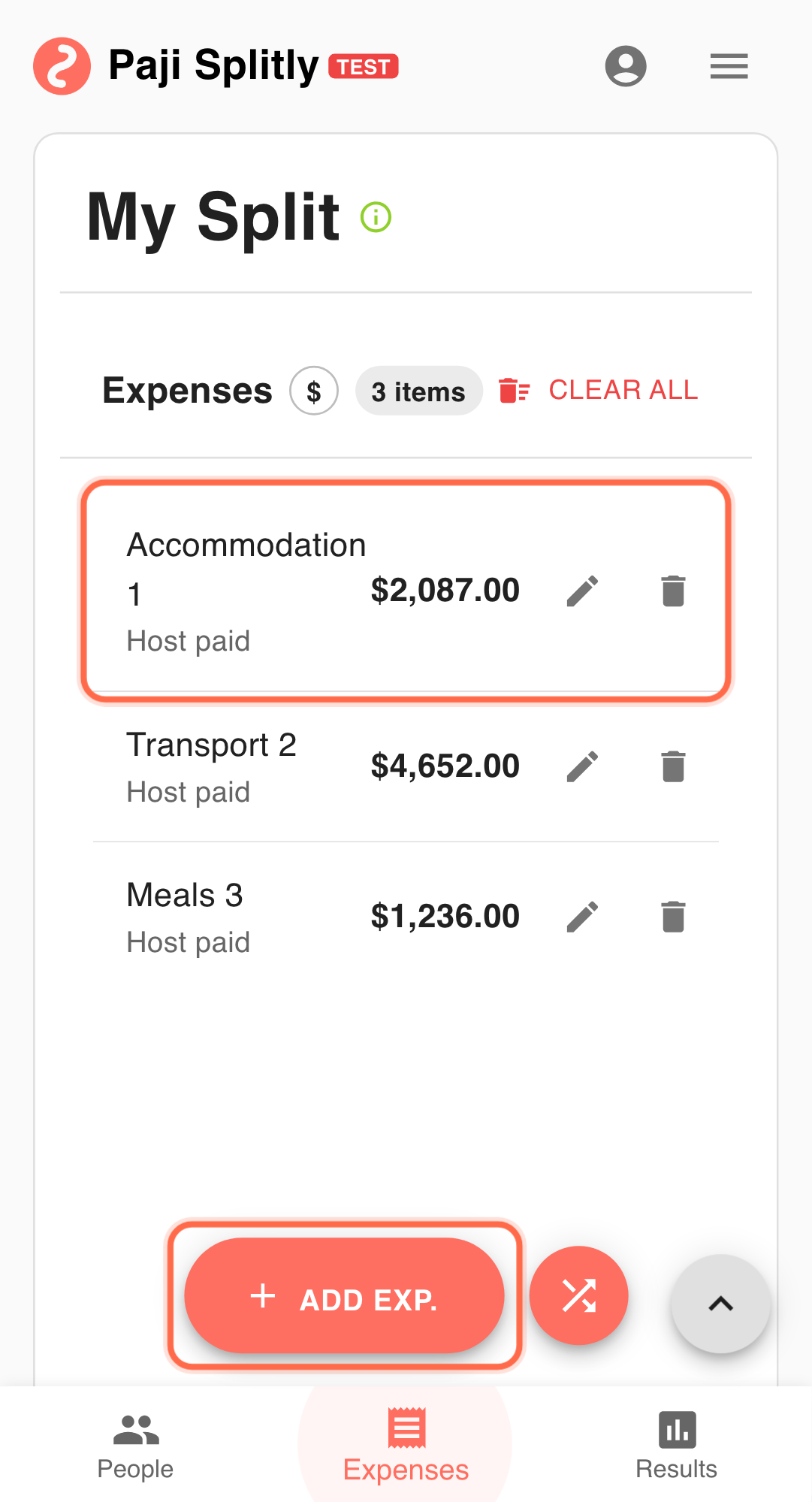
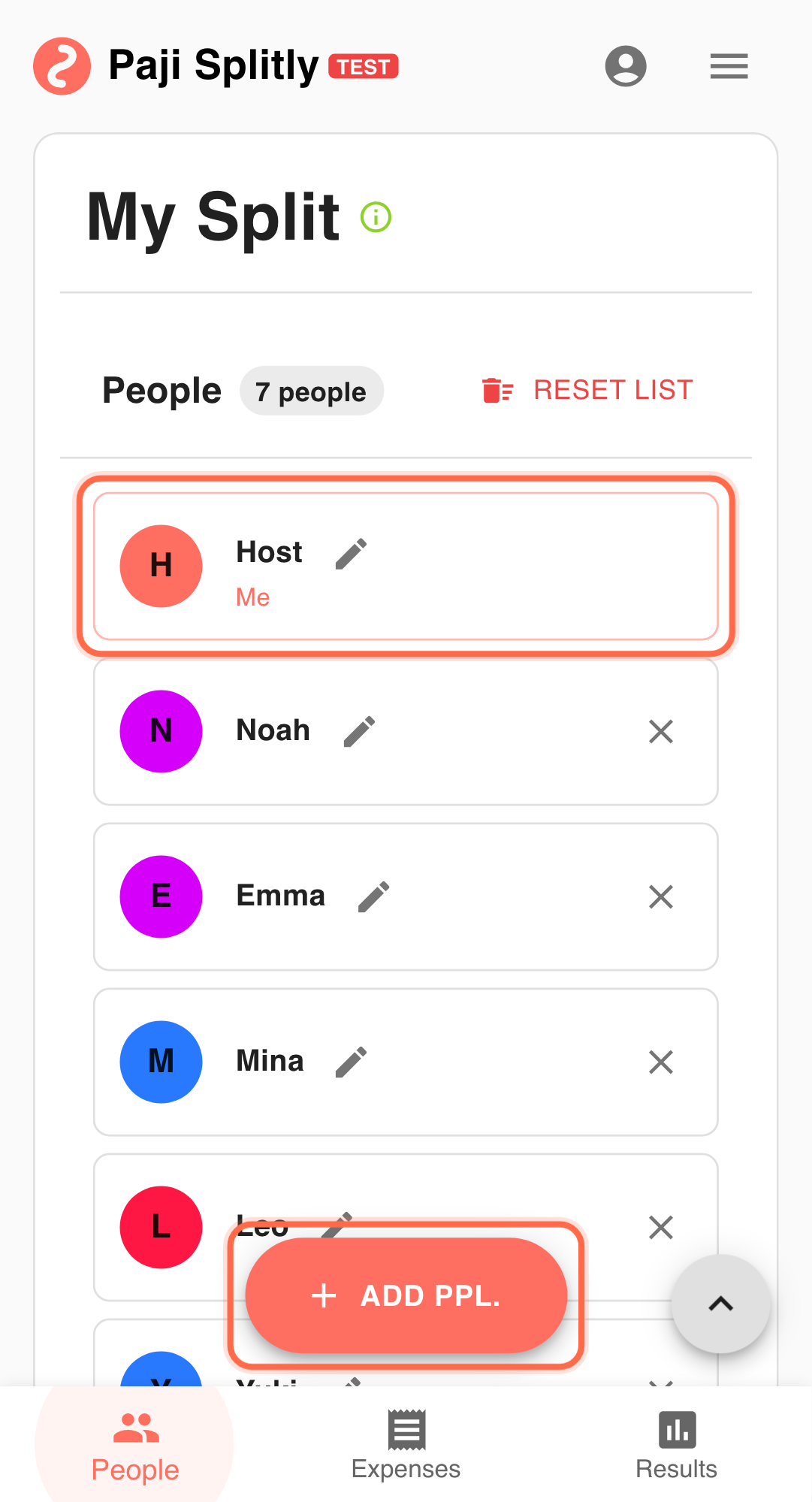
A 6-person day trip generates many small expenses:
- 8 snack purchases
- 3 parking/toll items
- 5 convenience-store items
Goal: capture all small entries in about 10 minutes.
Step-by-Step Execution for Many Small Expenses, One Fast Pass
-
Switch to "Batch Mode" first Avoid reopening the add-expense flow for every single item. Set a hard 3-minute cap for this check; if it exceeds that, investigate anomalies before continuing.
-
Enter items in time order Prioritize complete amount + payer data.
-
Use consistent naming for similar items For example, "Night Market - Drinks" and "Night Market - Snacks."
-
Save in batches Commit each input set before moving to the next one.
-
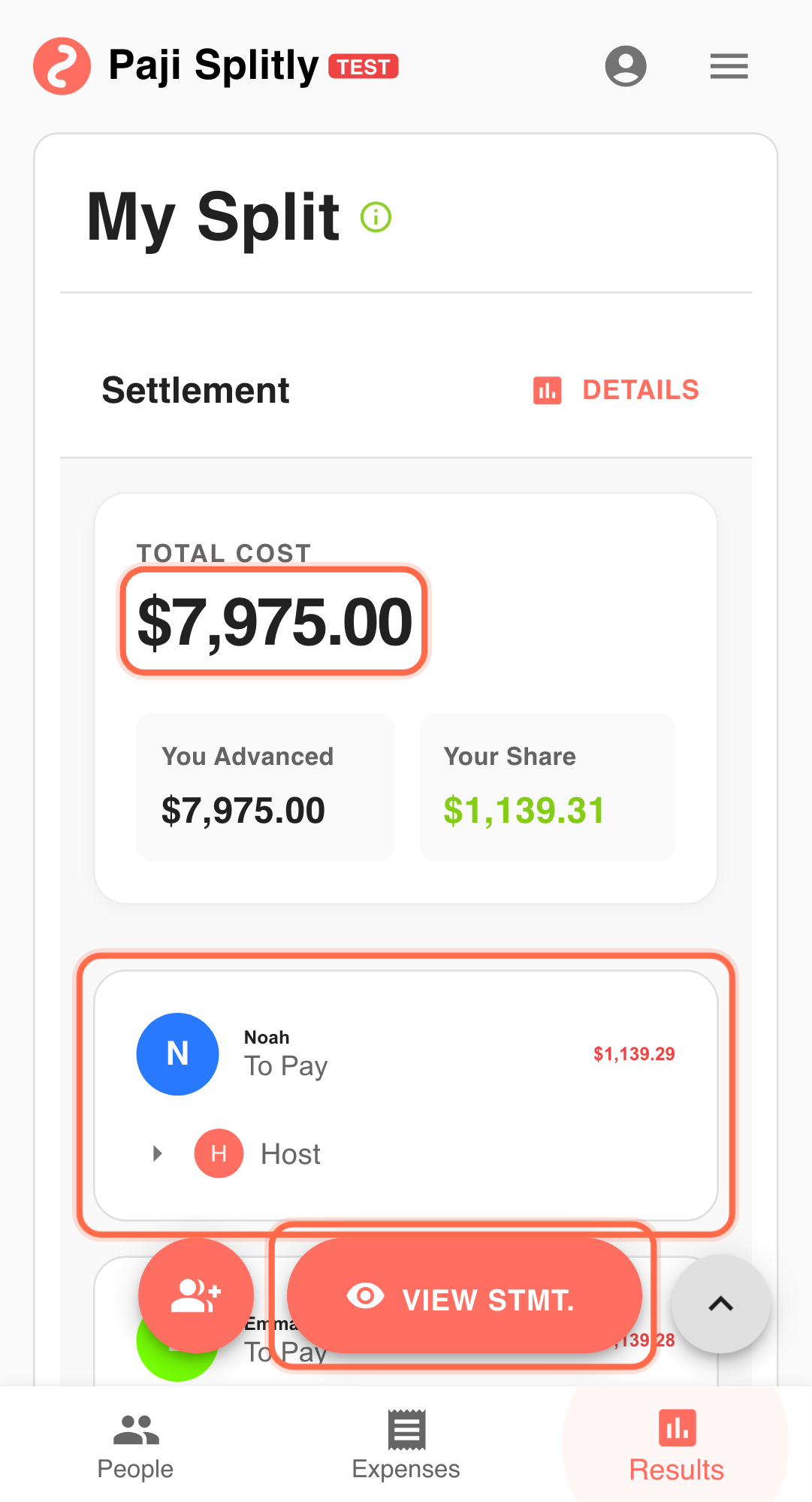
Check "Settlement" after completion Confirm totals and payer/payee directions include all small entries.
Why This Works
- Batch capture reduces omission risk.
- Fewer repeated UI actions improves speed.
- Earlier completion means less end-of-trip pressure.
Practical Tactics for Many Small Expenses, One Fast Pass
- Tip 1: Start with larger small-ticket items first.
- Tip 2: Enter same-payer items consecutively.
- Tip 3: Run one daily small-expense pass at a fixed time.
Final Validation for Many Small Expenses, One Fast Pass
- Tally the number of entries against your receipt count or photo log to make sure no snack or toll purchase was skipped during rapid entry.
- Check that each small expense has the right payer assigned, since fast consecutive entries often default to the same payer by mistake.
- Compare the Settlement total against a rough mental estimate of the day's small spending to catch any obvious entry errors (e.g., a $5 snack entered as $50).
Communication Pattern for Many Small Expenses, One Fast Pass
- Let the group know you are doing a batch entry pass so they can send you any missing small receipts before you finalize.
- For items where the payer is unclear (e.g., someone grabbed snacks for the group), confirm with that person in the chat before entering rather than guessing.
- After the batch session, share the full item list so everyone can flag anything they paid for that was missed or misattributed.
Takeaway from Many Small Expenses, One Fast Pass
Small expenses are only chaotic when left fragmented. A short Batch Mode session each day keeps the bill complete and settlement-ready.
Common Risks in Many Small Expenses, One Fast Pass
- Risk 1: A typo in a small amount (e.g., entering $30 instead of $3) goes unnoticed because each item looks trivial on its own, but several such errors add up. Mitigation: sort entries by amount after the batch session and scan for outliers that look too high or too low for their category.
- Risk 2: Forgetting items that were paid in cash with no receipt, since small cash purchases are the easiest to lose track of. Mitigation: do a quick round-the-table check with each person before closing the batch session to surface any unrecorded cash payments.