
Real-Time Collaboration: Split Bills Together Without Waiting for One Organizer
In many trips, everyone spends money, but one person still ends up doing all reconciliation later. That delay usually causes missing records, duplicate entries, and confusion about who prepaid what.
This case shows a practical Paji Splitly flow for collaboration: one shared split bill, multiple people updating at the same time, and everyone seeing results live.
Context: Real-Time Collaboration
On this five-person road trip, members updated the same bill 14 times within two hours, and everyone stayed on one live version of the numbers.
Tip: Start by inviting everyone to the same bill, then assign each payer to record their own spending.
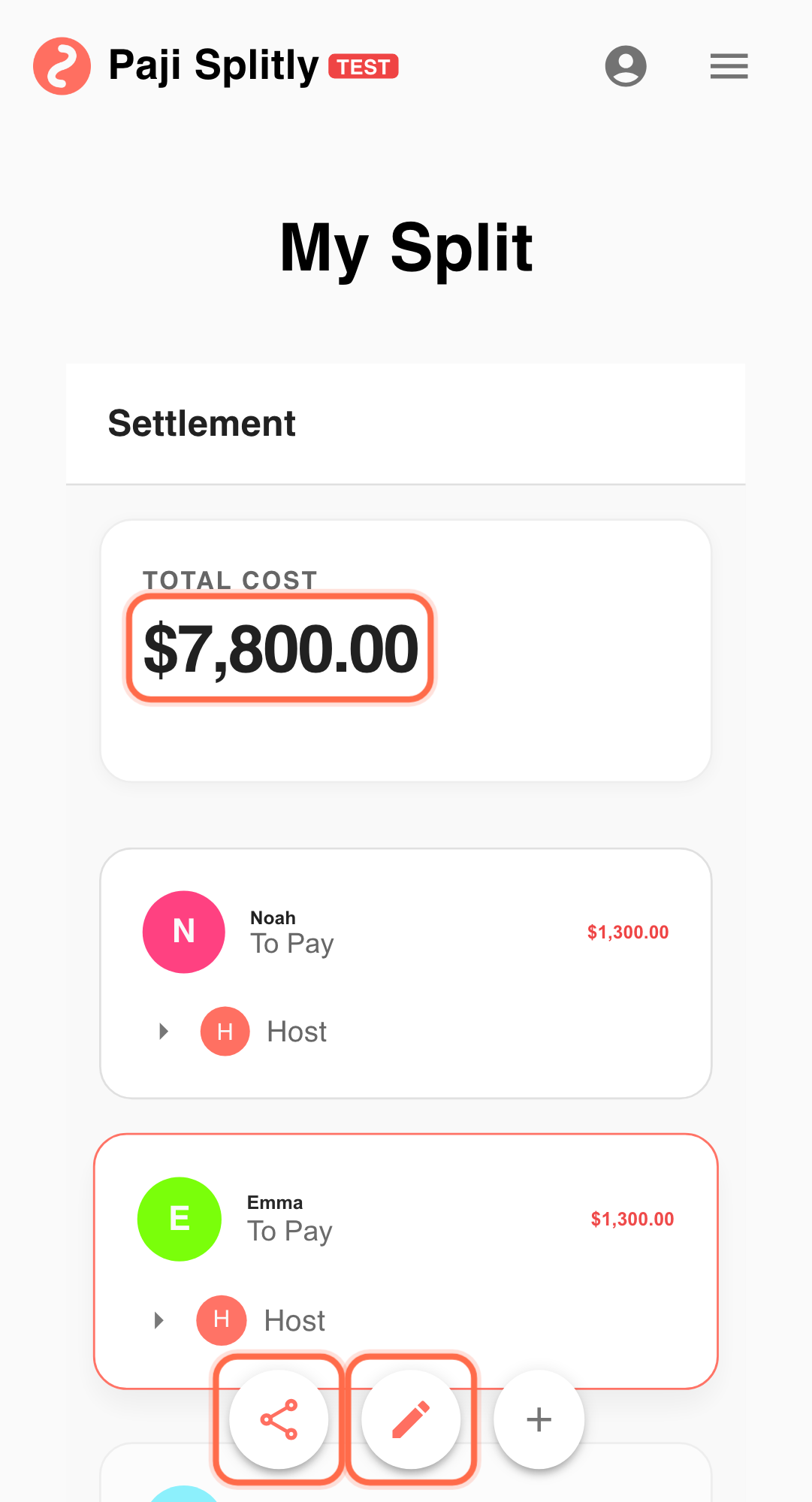
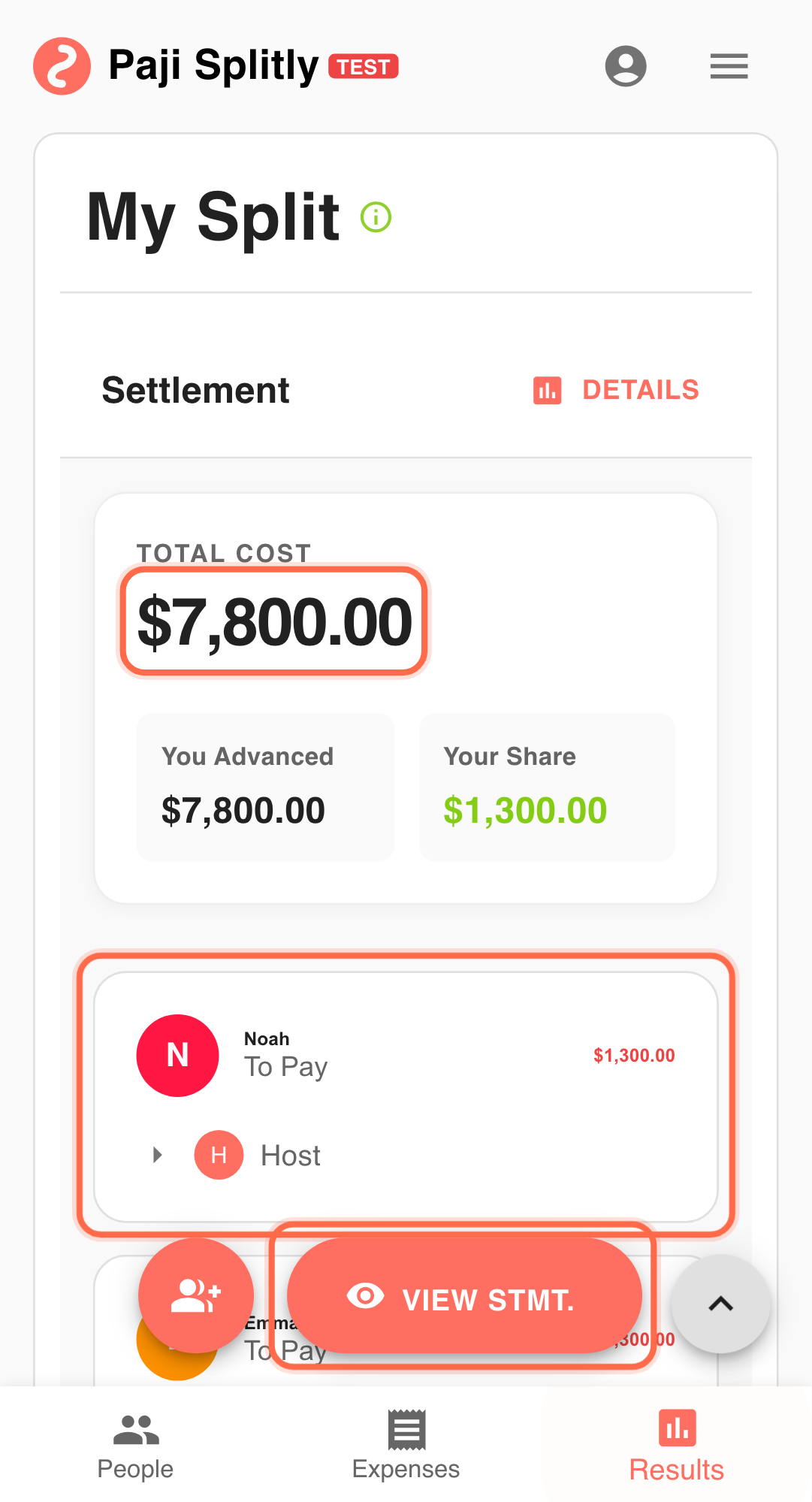
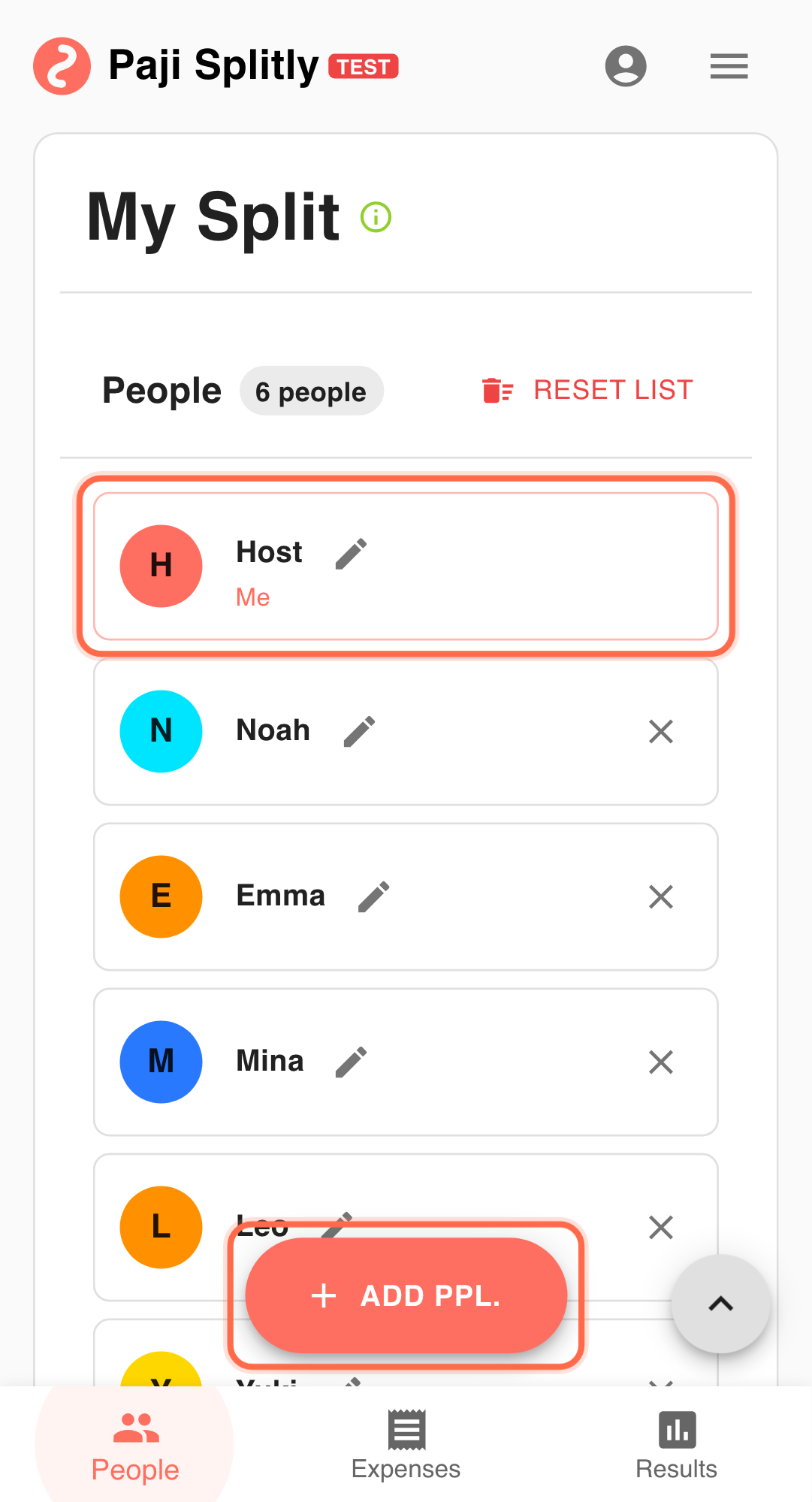
You and five friends are on a 2-day trip:
- Multiple people will pay different expenses.
- You do not want all bookkeeping delegated to one organizer.
- You want shared visibility while the trip is happening.
Collaborative Workflow
-
Create one shared split bill
Start one bill, for example: "Tainan 2-Day Trip Split Bill." Long cycles here tend to cascade into later friction. Keep it to about 3 minutes and surface data gaps early. -
Use "Invite to Edit" to bring everyone in
Inside "Invite to Edit", use "Share Link" or "Copy Link". Once everyone joins, each person can update from their own phone. -
Who pays, records immediately
- A paid lodging: $4800, split equally among all.
- B paid car rental: $3000, split equally among all.
- C paid dinner: $1800, split equally among all.
- D paid drinks: $450, split equally among all.
-
Track updates as they happen
When someone adds or edits an expense, others can see the latest numbers quickly. -
Confirm together in "Settlement"
At the end of the day, open "Settlement" and confirm who should pay whom.
Why This Saves Time
- No second-round manual consolidation by one person.
- Each payer enters details while memory is fresh.
- Changes are visible to everyone, reducing back-and-forth.
Practical Tactics for Real-Time Collaboration for Smoother Collaboration
- Tip 1: Record each payment within a minute after paying.
- Tip 2: Confirm participants before submitting each expense.
- Tip 3: Do a quick 2-minute "Settlement" check before ending each day.
Final Validation for Real-Time Collaboration
- Check whether any two members accidentally logged the same expense from their own phones — with everyone editing simultaneously, duplicate entries are the most common data issue.
- Verify that each entry's "paid by" field matches the person who actually paid, not just who happened to type it in — collaborative editing makes it easy to leave the default payer unchanged.
- At the end of each day, have the group open Settlement together and confirm the net amounts before new expenses start coming in the next morning.
Communication Pattern for Real-Time Collaboration
- When someone adds or modifies an expense, have them drop a quick note in group chat (e.g., "Added dinner $1,800, split 5 ways") so others know not to enter the same item.
- Agree upfront on who records shared-category expenses like meals vs. transport — clear ownership prevents both gaps and overlaps in a multi-editor bill.
- At the end of the trip, the person who created the bill should post the final Settlement link once and ask everyone to confirm within a set window, rather than letting each member share their own screen's version.
Takeaway from Real-Time Collaboration
The value of collaboration is not only "co-editing." It turns split billing from a delayed post-trip task into an in-progress workflow, so final settlement is almost done by the time the trip ends.
Common Risks in Real-Time Collaboration
- Risk 1: Two collaborators log the same taxi ride from their own phones at the same time, doubling the expense without either noticing. Mitigation: announce "I'll log this one" before entering any shared expense, or assign categories (meals to A, transport to B) at the start.
- Risk 2: A member edits an entry someone else created — changing the amount or participants — without telling the original author, leading to silent discrepancies. Mitigation: if you need to correct someone else's entry, message them first or leave a note on the item so changes are traceable.
- Risk 3: The group reviews Settlement at different times and each person sees a different snapshot because new entries keep coming in. Mitigation: pick a fixed daily check-in time where no one adds new entries for 5 minutes while the group reviews together.