
Faster Monthly Reconciliation: Review Change History, Then Export
For recurring team expenses, month-end slowdowns usually come from reconciliation, not entry. When edits, late additions, and removals are not tracked clearly, approval loops get longer.
This case shows a practical monthly routine in Paji Splitly: keep entries updated during the month, review "Bill Modification Log" first at closing time, then export a clean review version.
The biggest month-end blocker is rarely missing data. It is usually version confusion. Aligning change context before submission removes most rework.
A Team Expense Month-End Close Scenario
In monthly reconciliation, the team reviewed 3 split bills and 58 entries; change history recovered two mistakenly deleted lines before finalizing.
You handle monthly expense reporting for a team:
- Two or three members record expenses during the month.
- A finance reviewer approves records at month-end.
- You need one auditable version with clear change context.
A Reliable Monthly Reconciliation Sequence
-
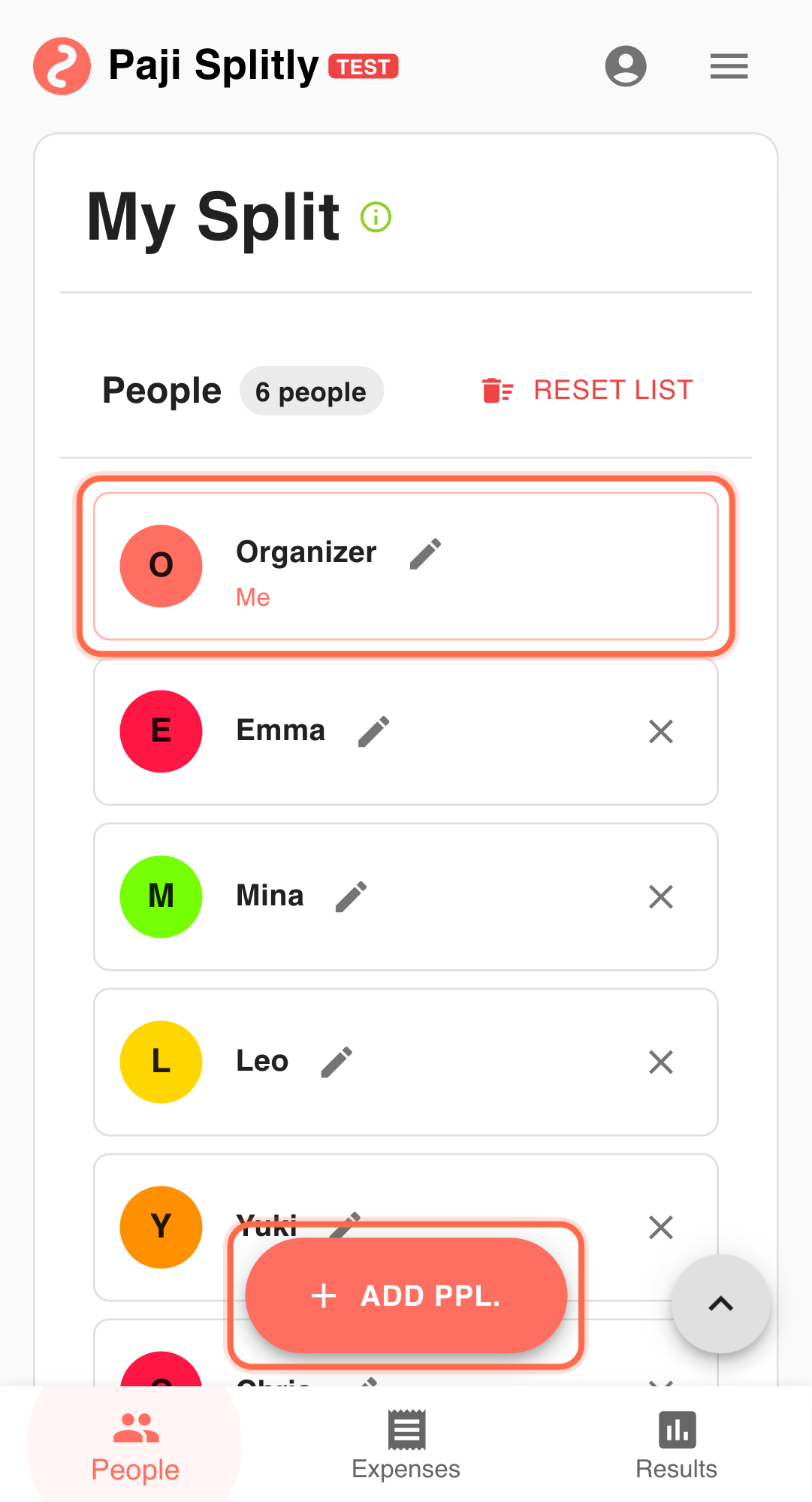
Keep entries updated during the month Prioritize complete records so month-end cleanup is smaller. This prevents month-end from becoming a high-risk bulk correction event. Use this as a 3-minute sanity gate. Extended time usually indicates unresolved participation or amount logic.
-
Review "Bill Modification Log" at closing Align all additions, edits, deletions, and late entries before sharing externally. Separate normal corrections from unusual changes to guide reviewer focus.
-
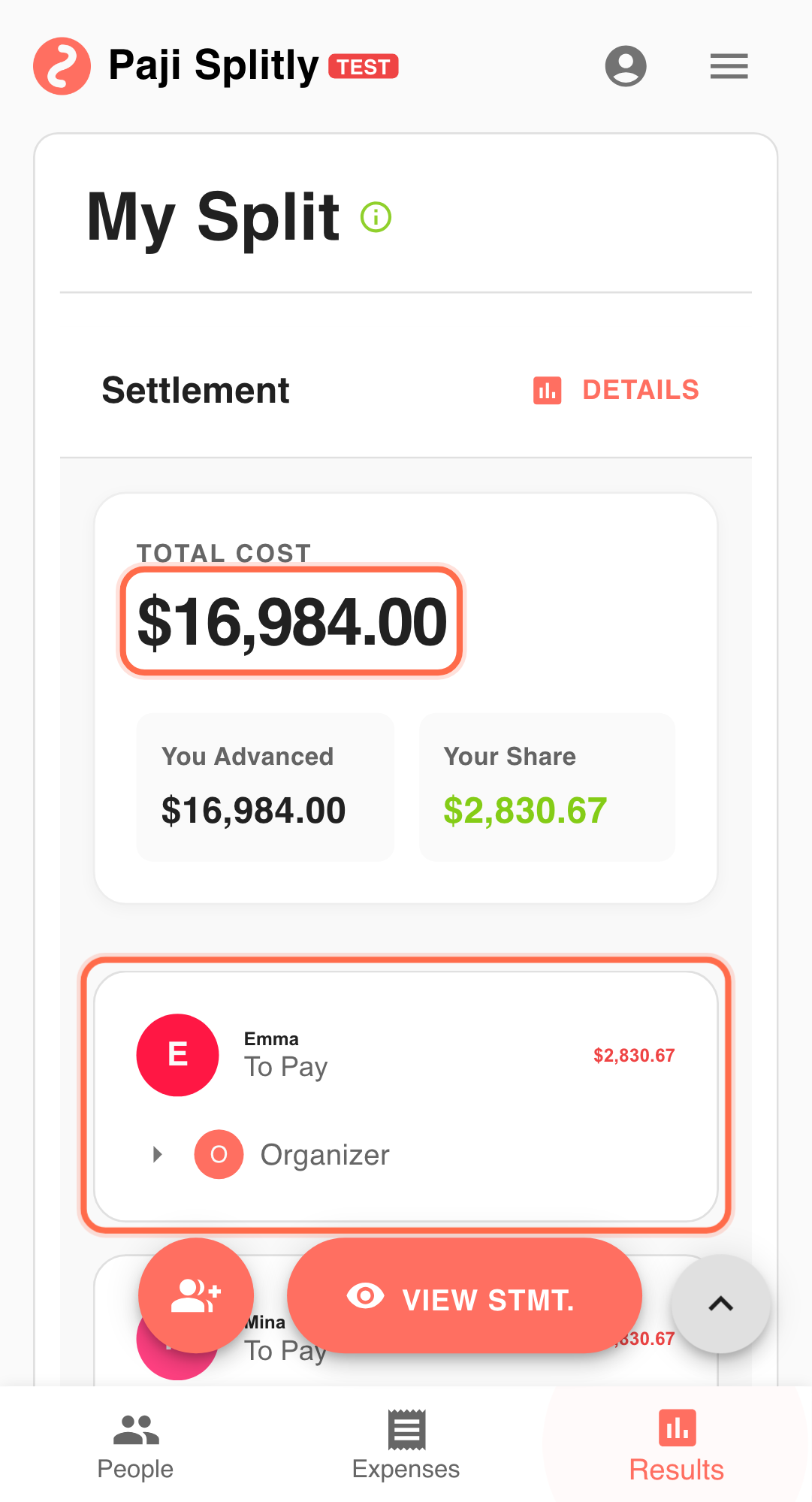
Confirm totals in "Settlement" Make sure balances and final totals match your expected close. Have a second reviewer spot-check major lines to reduce blind spots.
-
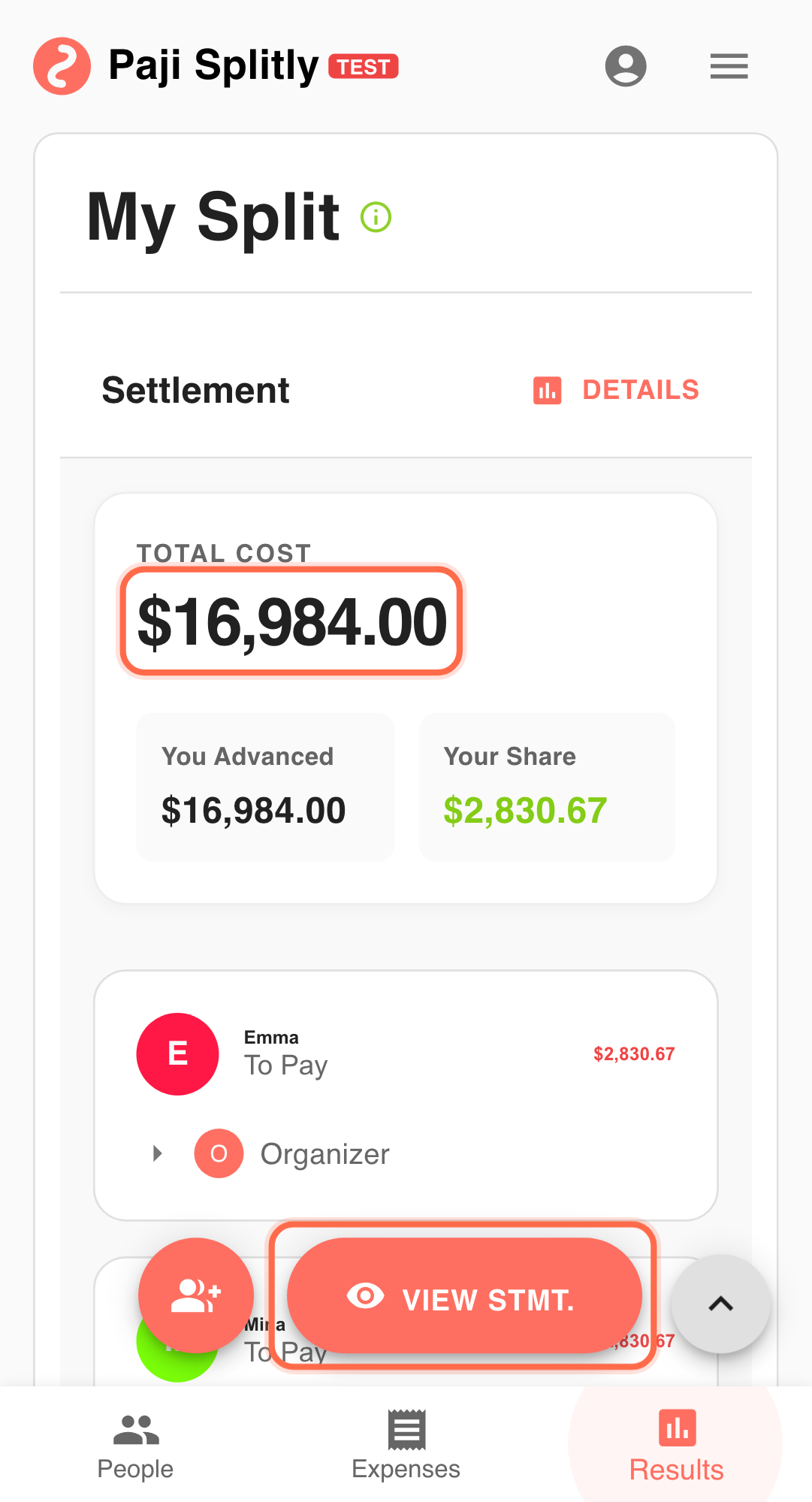
Use "Export Bill" for the review package Note: "Export Bill" is a Premium feature. Prepare a clean summary for finance or admin approval. Label each submission with month and version to avoid parallel copies.
-
If corrections are requested, repeat the same loop Apply changes, review log again, and export a new version. Attach a short delta summary so reviewers can validate quickly.
Why This Pattern Holds Up Every Month
- Change context is aligned before submission.
- Fewer clarification loops with reviewers.
- Resubmissions stay controlled and traceable.
- Closing pressure shifts from reactive to predictable.
Practical Tactics for Faster Monthly Close
- Tip 1: Set a fixed monthly cut-off time.
- Tip 2: Label each submission with month and version (for example, "2026-02 v2").
- Tip 3: Keep correction scope minimal to speed re-approval.
- Tip 4: Add source references on high-value entries to speed finance checks.
Pre-Submission Close Checklist
- Walk through the Bill Modification Log one last time and confirm every deletion was intentional — accidentally removed entries are the most common cause of post-submission corrections.
- Make sure the exported version number matches the version you reviewed in the log; exporting before the latest edits are saved creates a mismatch between what you checked and what the reviewer receives.
- Verify that late additions submitted near the cut-off are reflected in the Settlement totals, not just in the entry list.
Communication Style That Reduces Approval Loops
- Send the export with a brief change summary (e.g., "3 entries added, 1 deleted, net total up $120 vs. last version") so the reviewer knows exactly what to look at.
- When a correction is requested, reply with the updated export and highlight only the changed lines — do not resend the full context, which forces the reviewer to re-read everything.
- Agree with the reviewer on a single channel for reconciliation feedback; splitting comments across email and chat doubles the chance of missing a requested fix.
Process Discipline Is the Real Time Saver
Reliable monthly reconciliation depends on repeatable process quality. Reviewing change history first, then exporting a clean version, helps teams close books faster with less rework.
Common Month-End Risks and Mitigations
- Risk 1: An entry is deleted mid-month and nobody notices until the finance reviewer flags a total mismatch. Mitigation: review the Bill Modification Log for deletions specifically before generating the export, and restore any accidental removals.
- Risk 2: Multiple team members edit the same bill near the cut-off, creating conflicting versions that each look "final." Mitigation: designate one person to own the last round of edits and the export, and freeze entries from others after the cut-off time.